
What Tasks is and how agreement works
Who can use thisMembers and Super Admins
Permission you need
View tasks
Set by your workspace admin. If you cannot do this, ask them for access.This article is written for Member and Super Admin. Use the role switch at the top to change what the menus show.
Tasks is where work is agreed, not just handed out. A task only becomes binding once the person doing it has accepted both the hours and the deadline.
The idea in one minute
- You propose a task: what it is, how many hours it needs, and by when.
- The app shows how much room the other person really has that week, using their working hours, leave and holidays.
- They can accept, negotiate (ask for different hours or a different deadline) or decline with a reason.
- Only when they accept is the task agreed. They then block the days they will work on it.
- When it is finished, you confirm it.
A task you create for yourself skips the negotiation. It is agreed straight away.
-
Open Tasks in the left sidebar. On a workspace that has not used Tasks yet you see this welcome page.
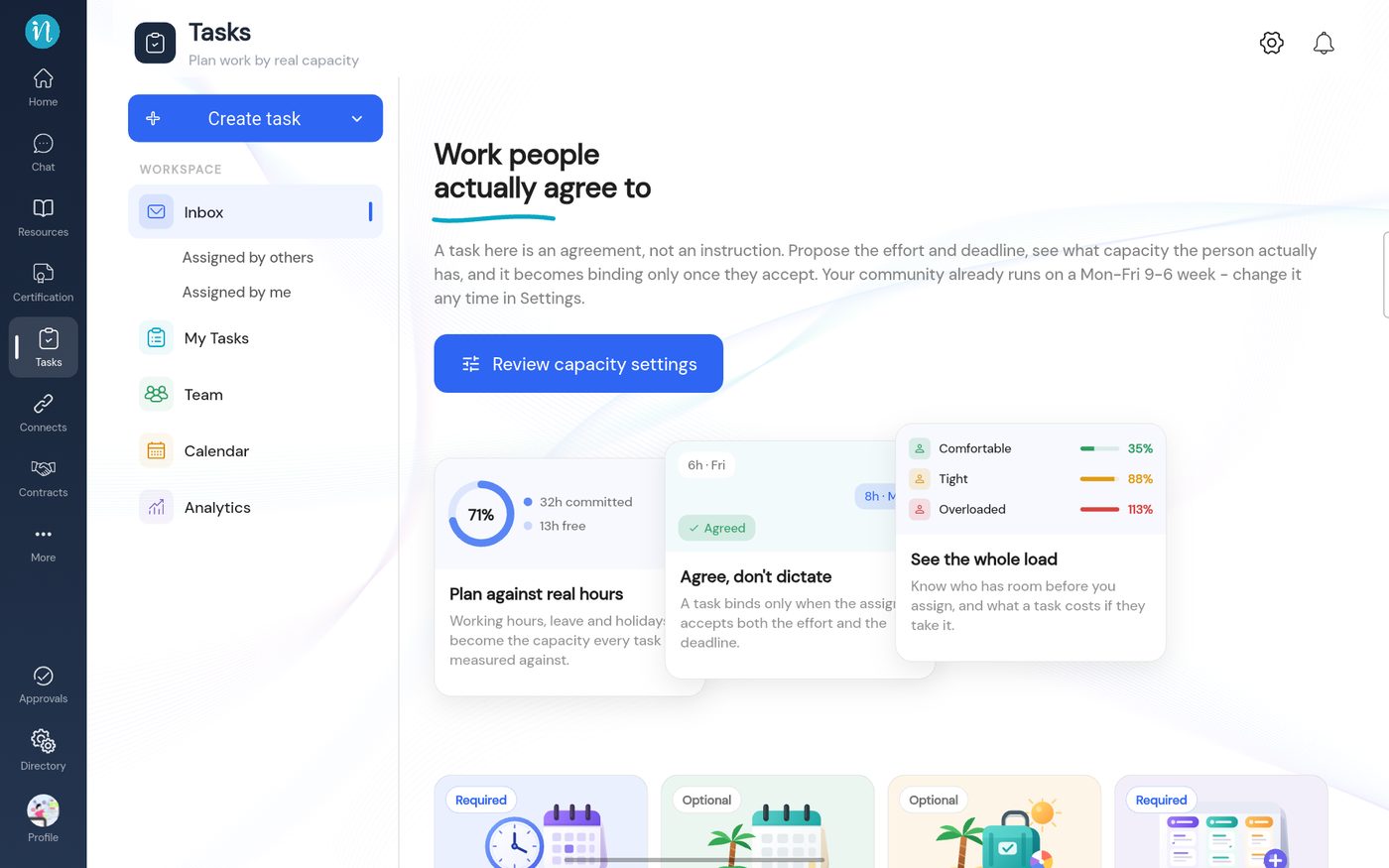
The Tasks welcome page
Who can do what
- A new Member profile can only create tasks. To open Tasks, answer proposals and assign work, a Super Admin has to switch on View and Assign for the role. See Who can do what in Tasks.
- Super Admins can do everything, including setting working hours and holidays, managing task categories and seeing the Team view.
Last updated 2026-10-23