
How to start and complete a task
Who can use thisMembers and Super Admins
Permission you need
View tasks
Set by your workspace admin. If you cannot do this, ask them for access.This article is written for Member and Super Admin. Use the role switch at the top to change what the menus show.
Once a task is Agreed, you move it forward yourself.
-
Open the task in your Inbox and tap Start. It moves to In progress.
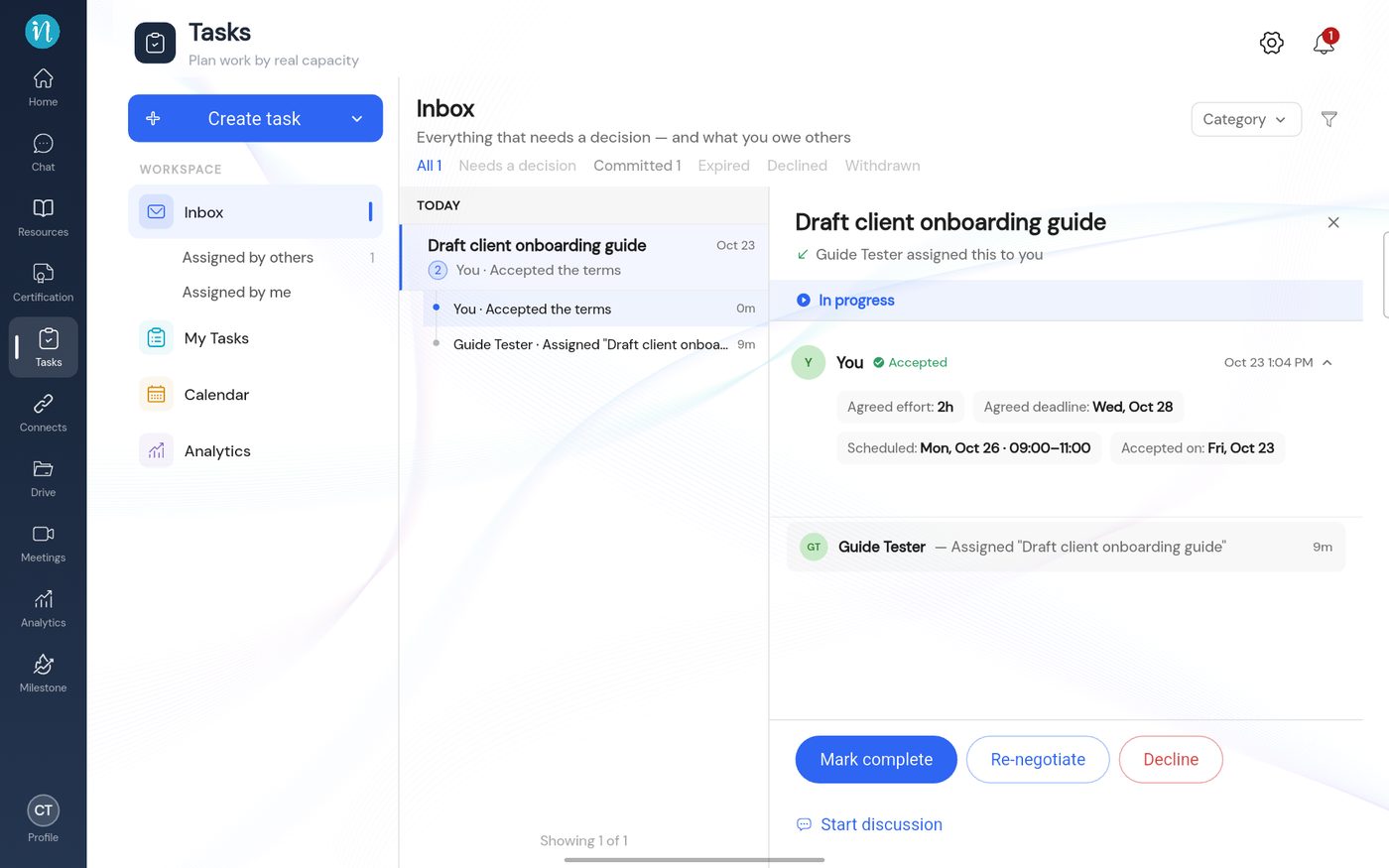
A task in progress -
Open My Tasks. The task card has moved to the In Progress column.
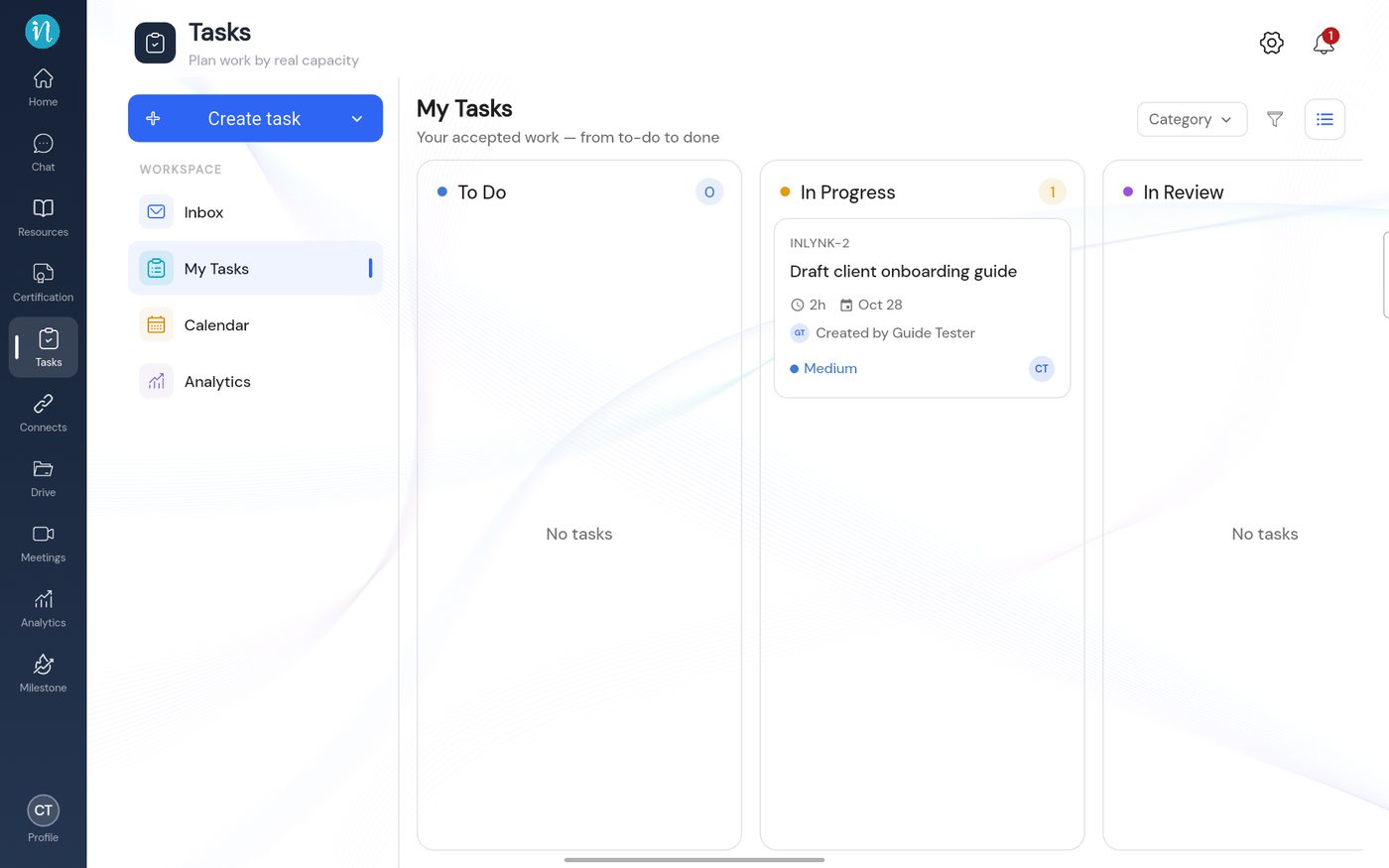
The board with a task in progress -
When the work is done, open the task and tap Mark complete.
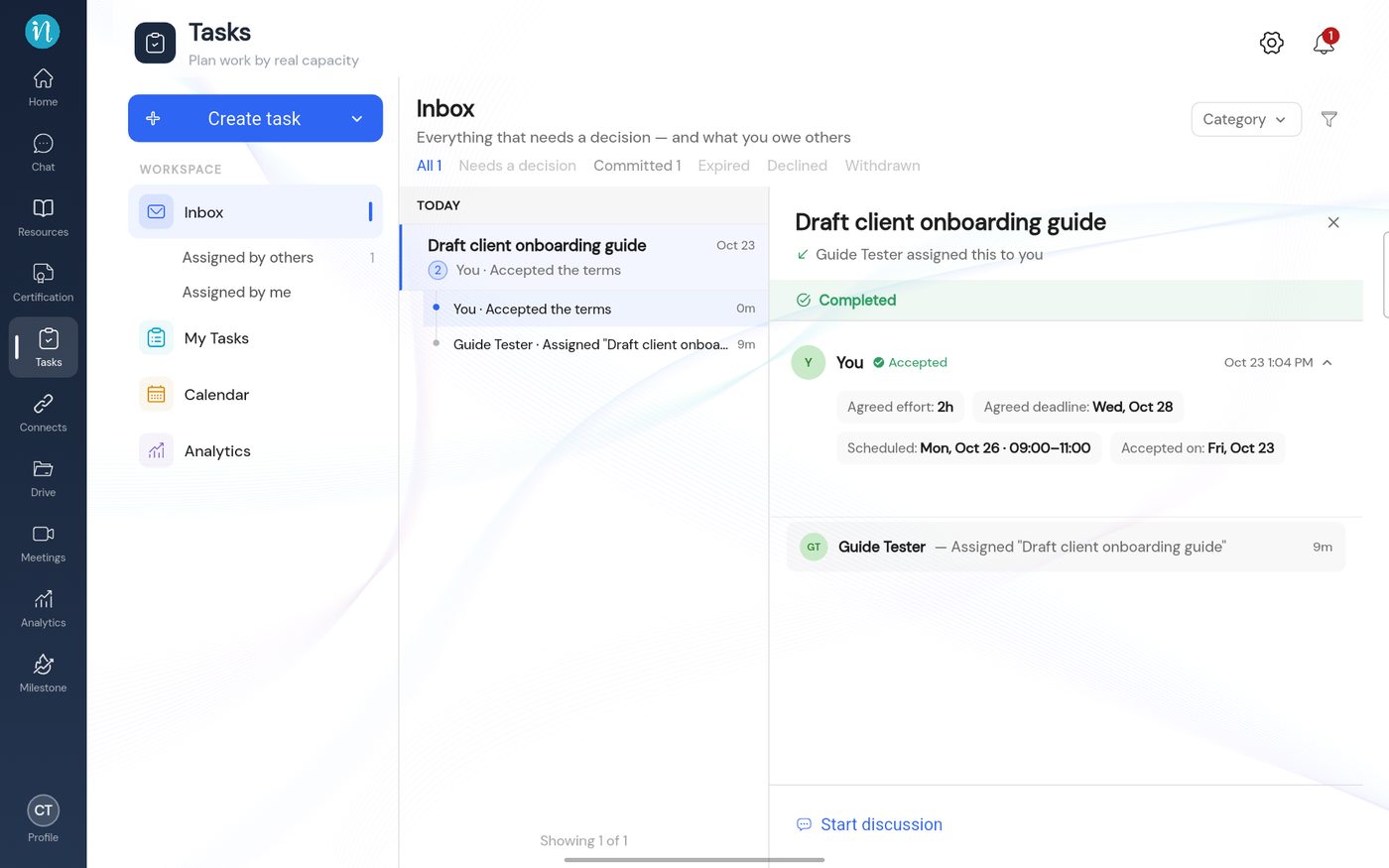
A completed task, assignee view
The person who assigned the task now confirms it or sends it back. See Confirm or send back a task.
Last updated 2026-10-23