Overview
A tour of the Tasks screens
Who can use thisMembers and Super Admins
Permission you needView tasks
Set by your workspace admin. If you cannot do this, ask them for access. This article is written for Member and Super Admin. Use the role switch at the top to change what the menus show.
Tasks has five places in its left panel. This page shows what each one is for.
-
Open Inbox. It is the list of conversations about tasks: proposals waiting for you, and proposals you sent.
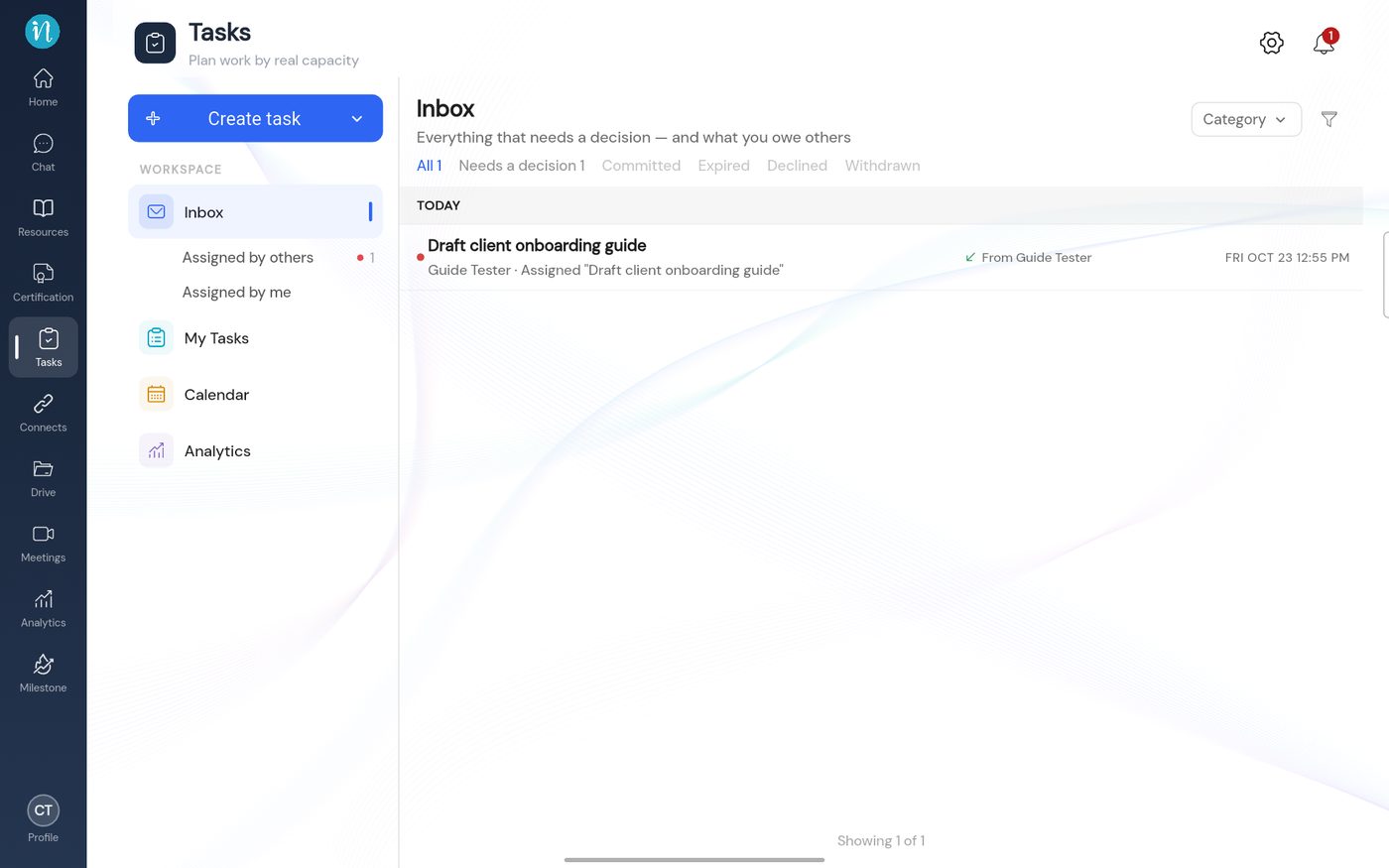 The Tasks Inbox
-
Open My Tasks. It is your accepted work as a board, from to-do to done.
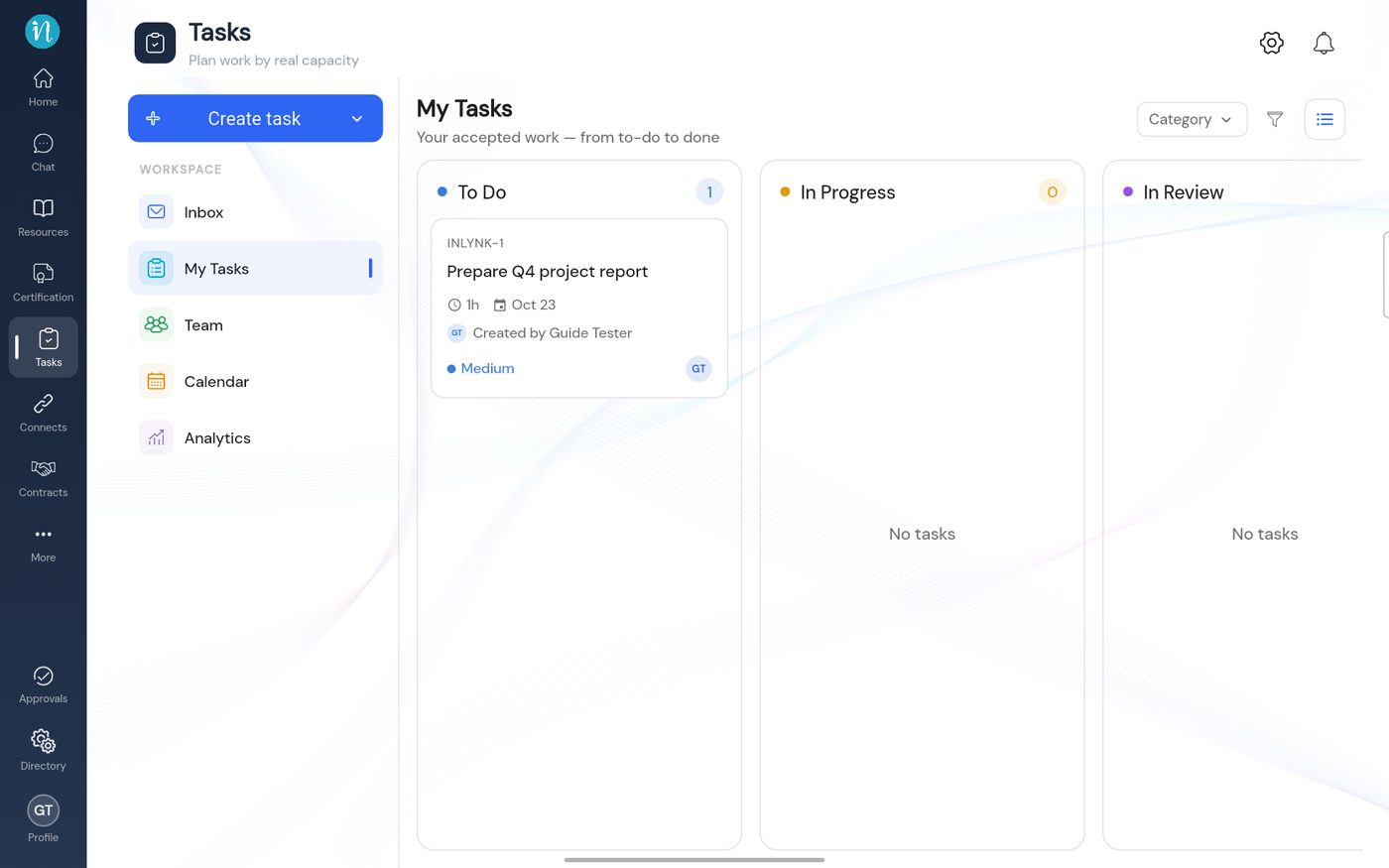 The My Tasks board
-
Open Calendar to see your week, Analytics for your load, and Team (if you can see it) for everyone's capacity.
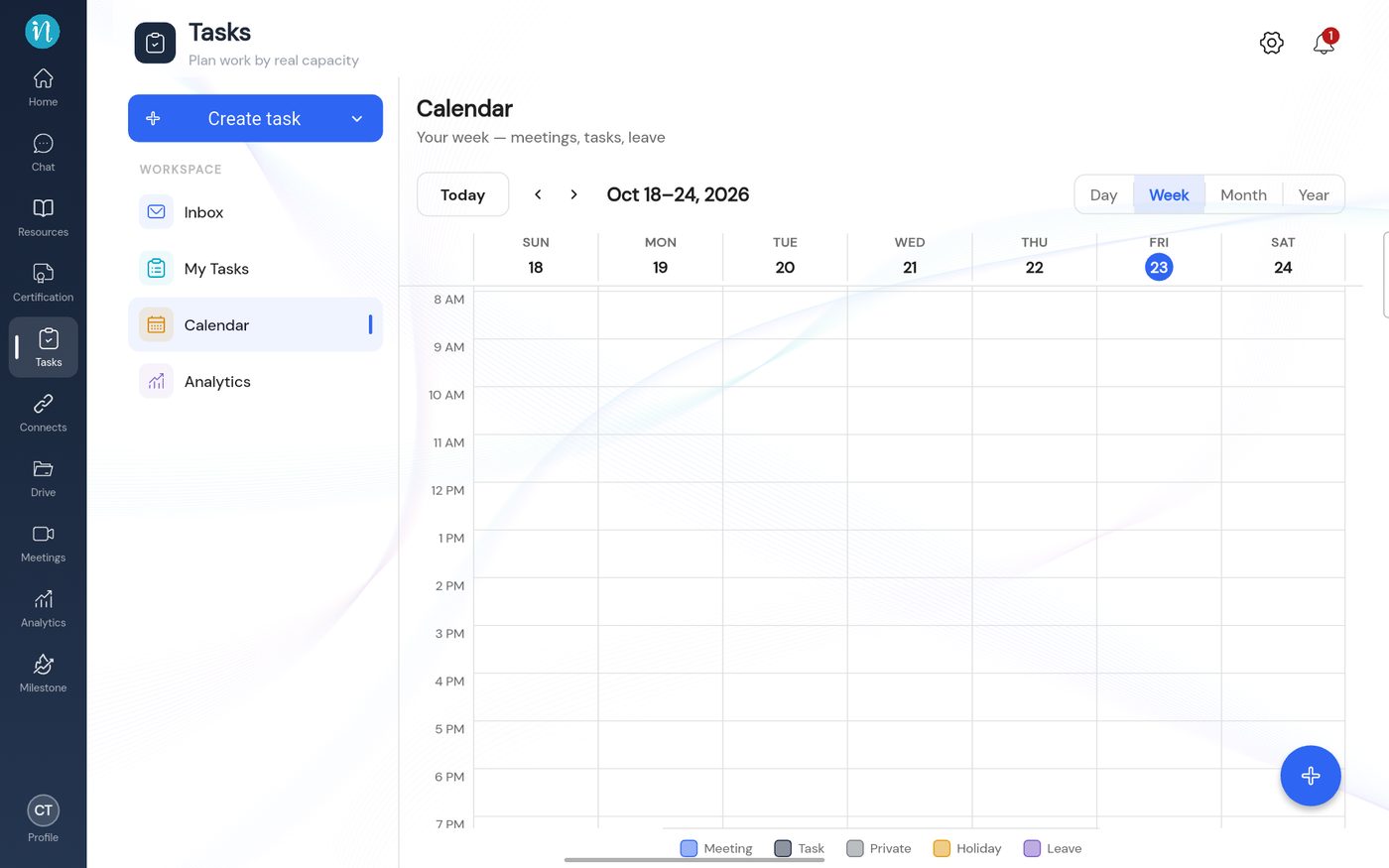 The Tasks calendar
Each of these has its own article: Inbox, My Tasks, Calendar, Analytics, Team capacity.
Last updated 2026-10-23
