
How to read the Inbox
Who can use thisMembers and Super Admins
Permission you need
View tasks
Set by your workspace admin. If you cannot do this, ask them for access.This article is written for Member and Super Admin. Use the role switch at the top to change what the menus show.
The Inbox is the conversation list for tasks: every proposal, counter-offer and decision, in one place.
-
Open Tasks → Inbox → Assigned by me to see proposals you sent.
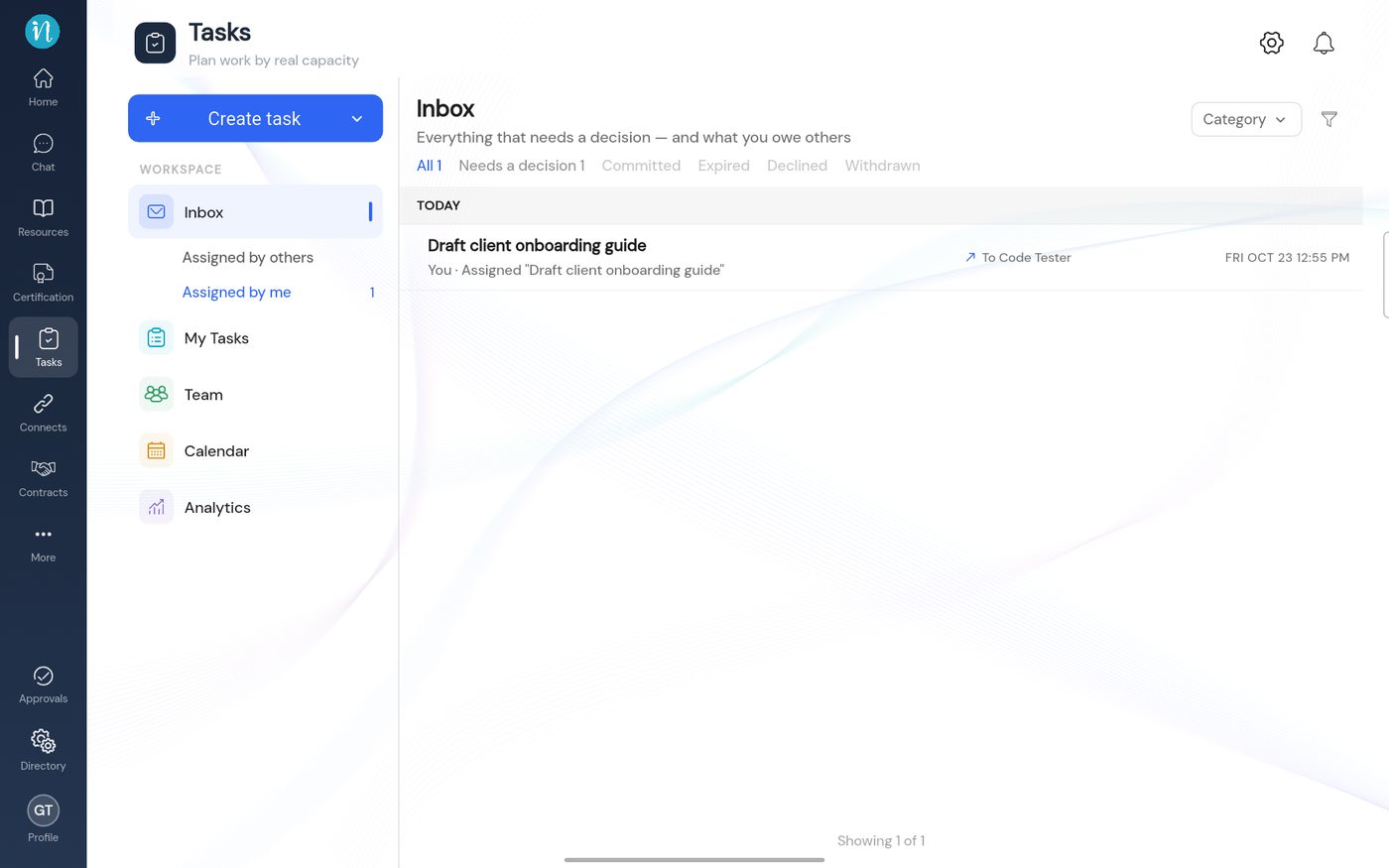
Proposals you sent
What the tabs mean
- Needs a decision – someone is waiting for you.
- Committed – agreed and under way.
- Expired, Declined, Withdrawn – closed without being done. The assigner can reassign them.
Tap a row to open the conversation on the right. The buttons at the bottom change with the status and with whether you are the person who assigned the task or the person doing it.
Last updated 2026-10-23