
How to add your leave
Who can use thisMembers and Super Admins
Permission you need
View tasks
Set by your workspace admin. If you cannot do this, ask them for access.This article is written for Member and Super Admin. Use the role switch at the top to change what the menus show.
Leave is your own time off. It reduces your free hours, so people do not assign you work on those days.
-
Open Tasks → gear → Leave.
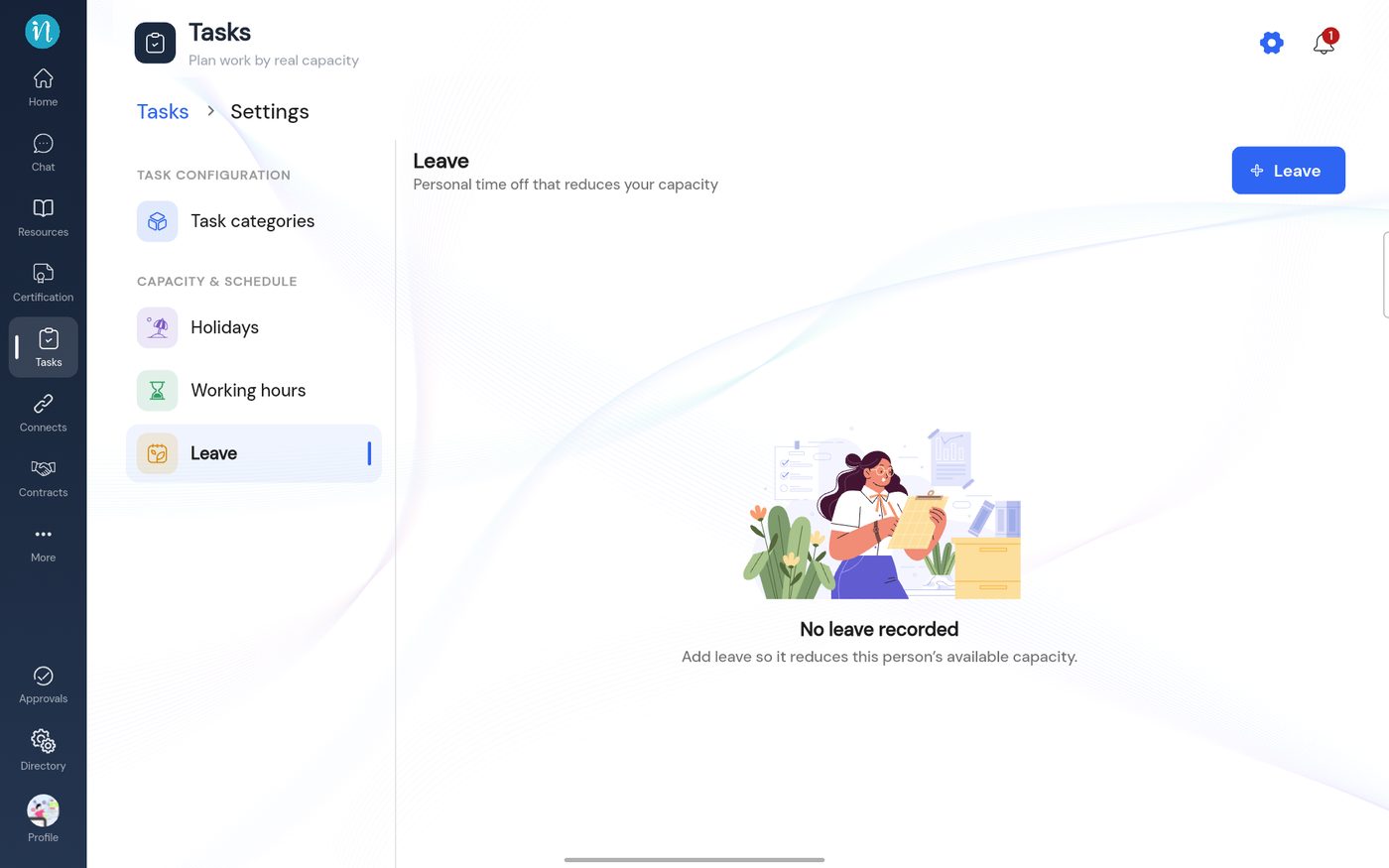
The Leave page -
Tap + Leave, choose the start and end date, add a note if you like, then tap Add leave.
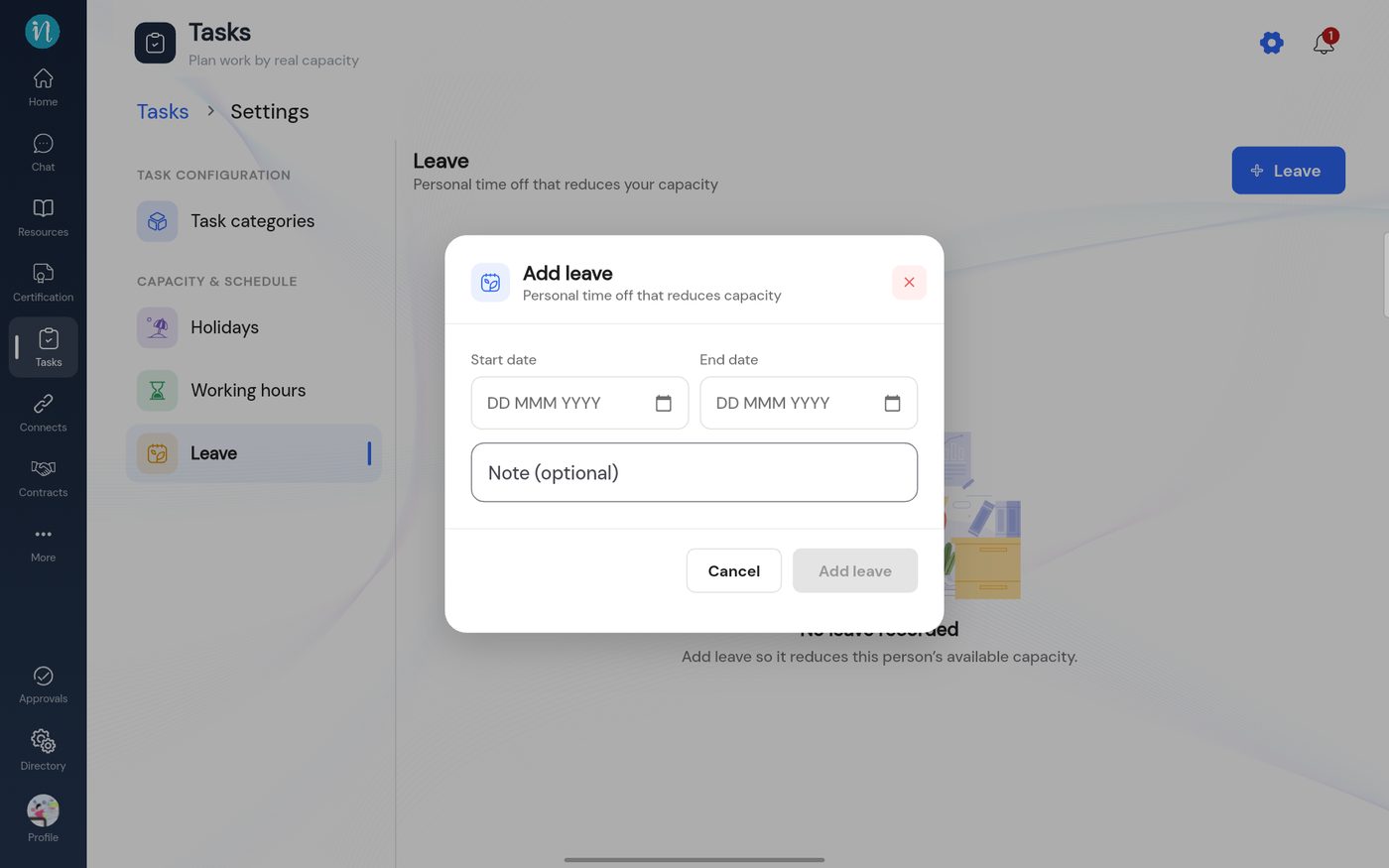
Add leave
Leave shows on your Calendar in its own colour.
Last updated 2026-10-23