
How private tasks work
Who can use thisMembers and Super Admins
Permissions you need
View tasksCreate tasks
Set by your workspace admin. If you cannot do this, ask them for access.This article is written for Member and Super Admin. Use the role switch at the top to change what the menus show.
A private task hides what the work is from everyone who is not involved in it. They can still see that the time is taken.
-
On the Planning step, choose Private next to Visibility. Tap the ? for a short explanation.
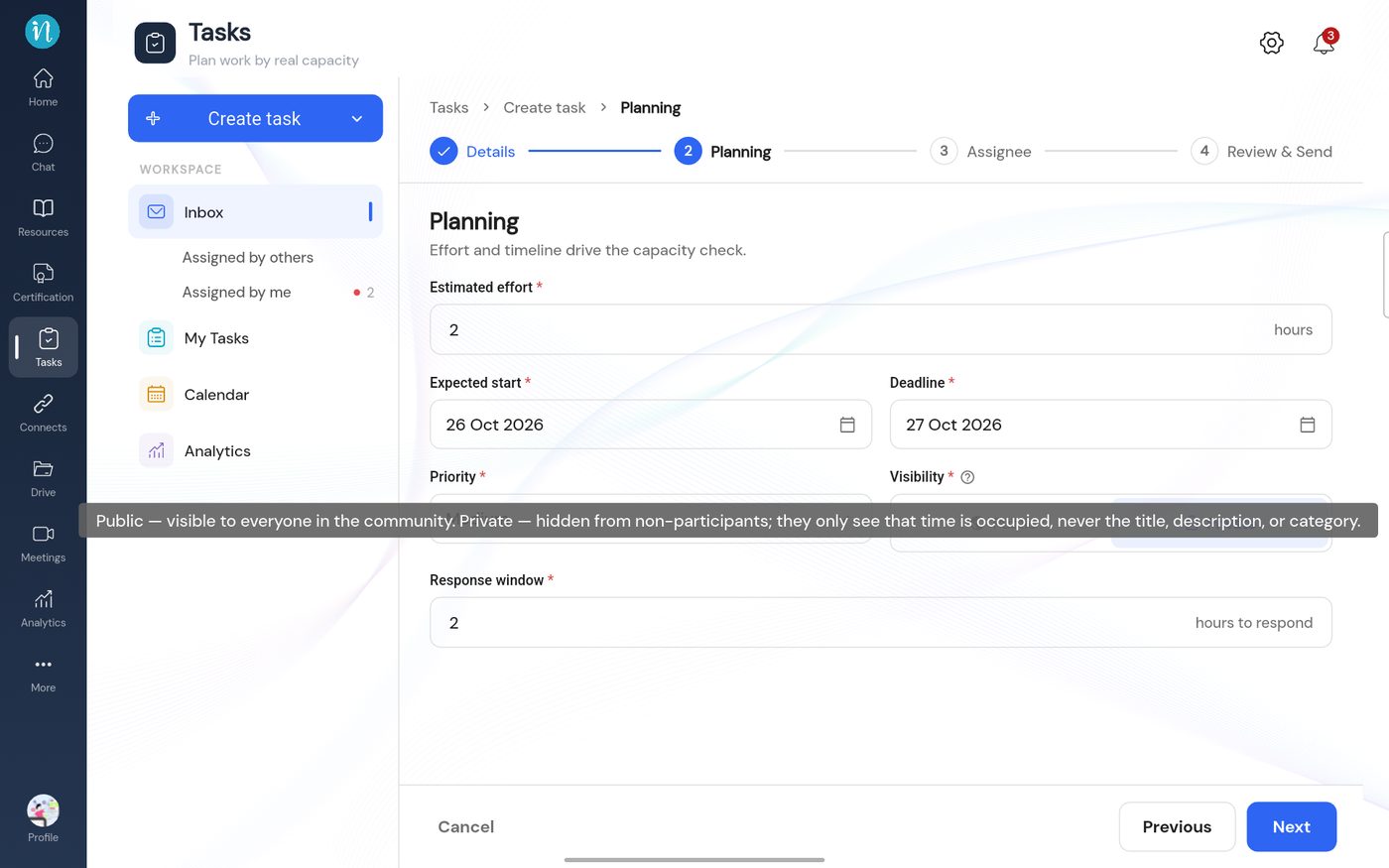
What Public and Private mean -
Everyone who is part of the task, the person who assigned it and the person doing it, still sees all of it.
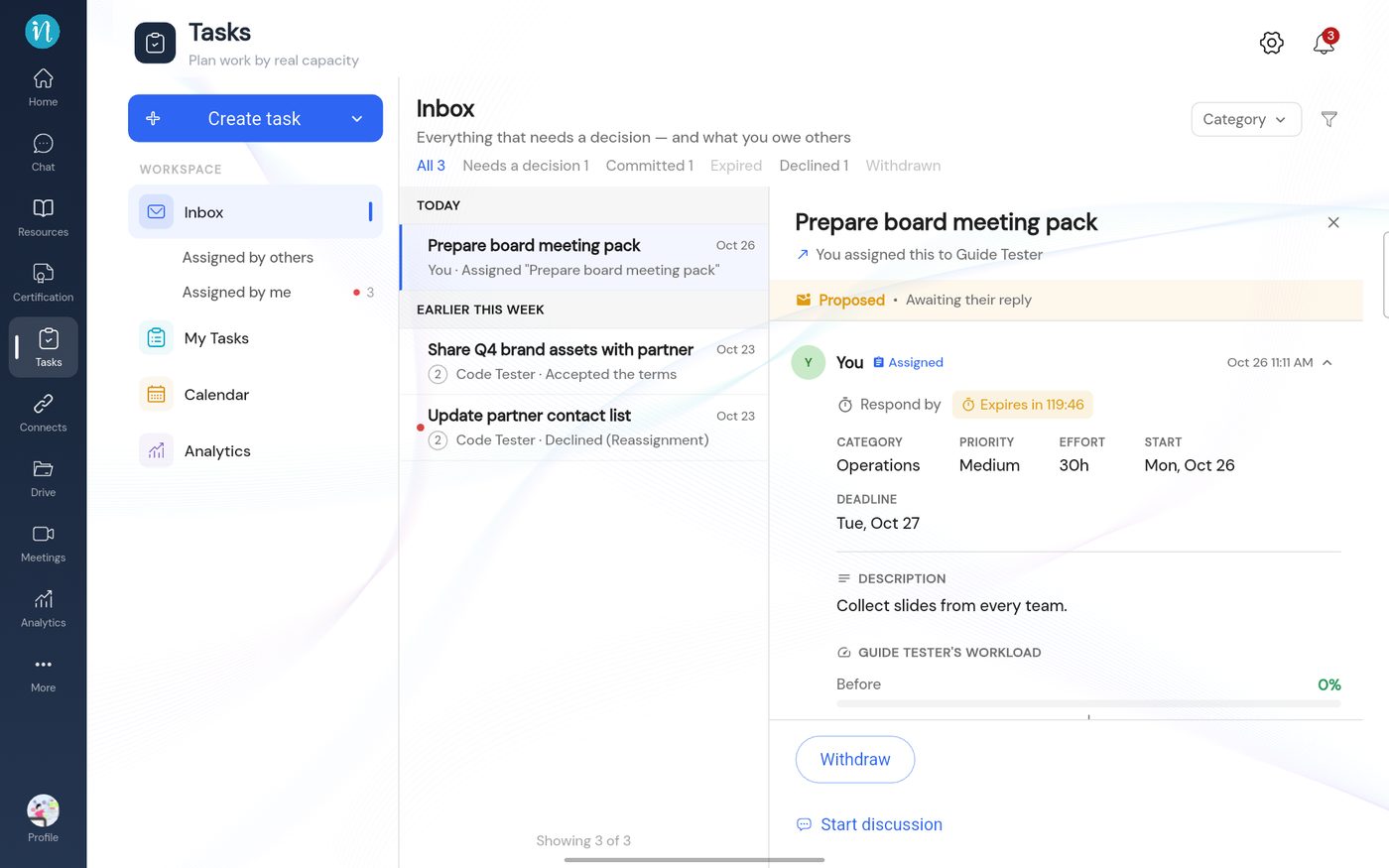
A private task in the Inbox
Good to know
- Capacity still counts a private task, so a person's free hours are always right.
- On the Calendar and in the Team view, other people see a grey Private block instead of the task.
Last updated 2026-10-23