
How to confirm a finished task
Who can use thisMembers and Super Admins
Permission you need
View tasks
Set by your workspace admin. If you cannot do this, ask them for access.This article is written for Member and Super Admin. Use the role switch at the top to change what the menus show.
When the person doing a task marks it Completed, you decide whether the result is good. Only the person who assigned the task can confirm it. (If you wanted changes, use Start discussion to ask.)
-
Open Tasks → Inbox → Assigned by me and tap the completed task.
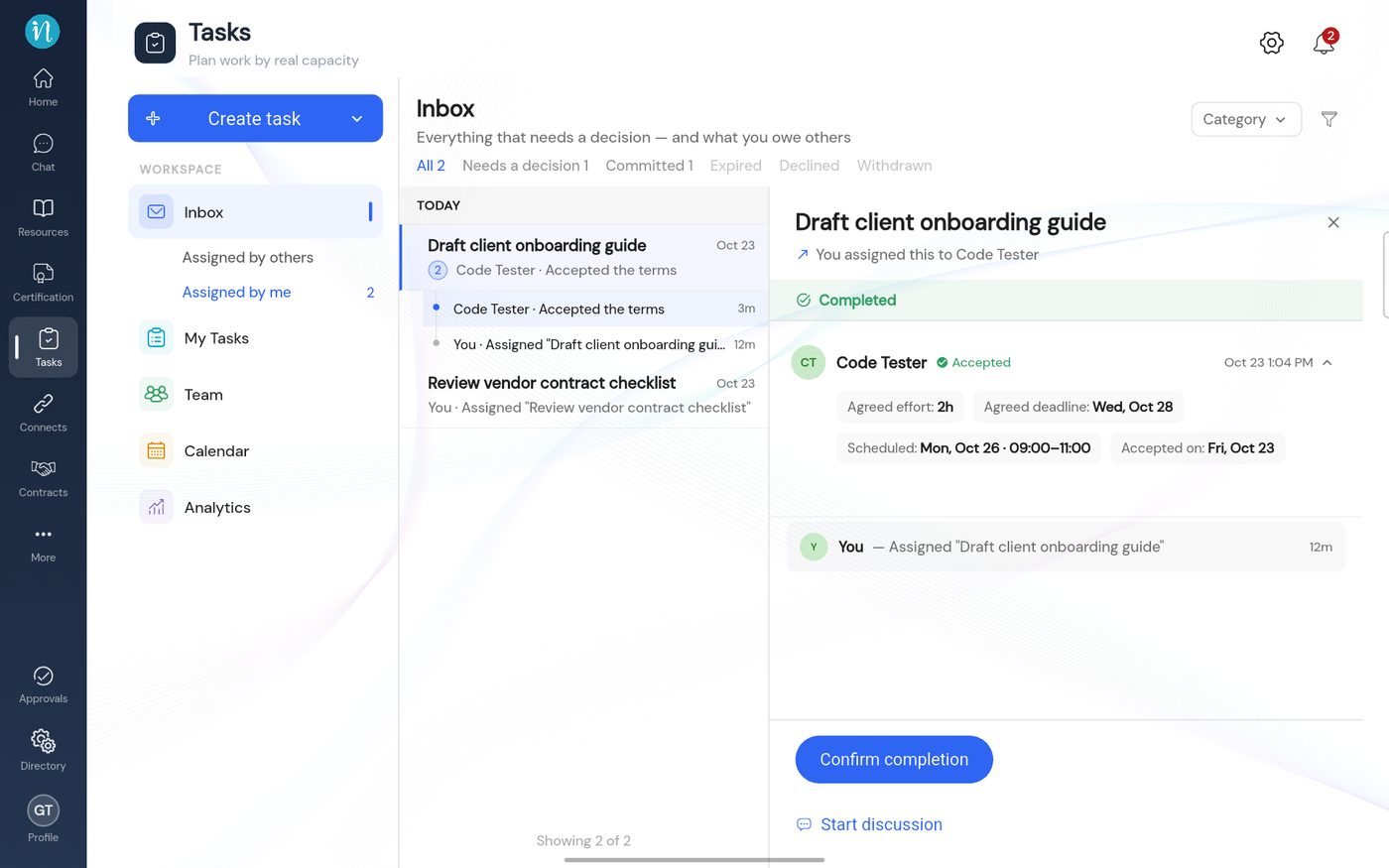
A completed task, assigner view -
Tap Confirm completion. The task becomes Confirmed.
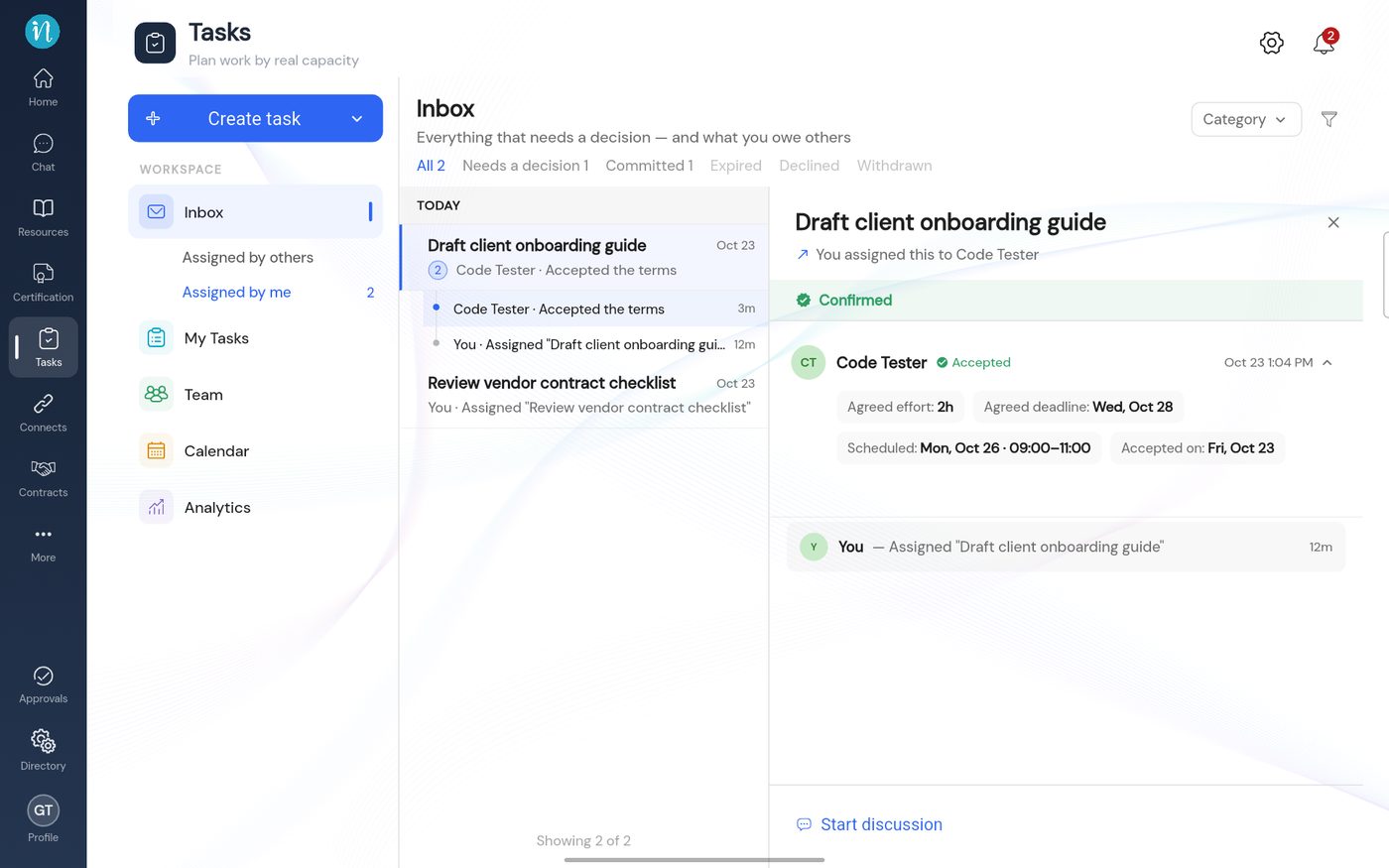
A confirmed task
Last updated 2026-10-23