
How to manage task categories
Who can use thisSuper Admins, and any role given this permission
Permissions you need
View task categoriesManage task categories
Set by your workspace admin. If you cannot do this, ask them for access.This article is written for Super Admin. Use the role switch at the top to change what the menus show.
Task categories group work on the board and in analytics. The list is the same for the whole workspace.
Before you start: to add, rename or delete categories you need Manage Task Categories. Anyone with View can pick from the list when creating a task.
-
Open Tasks → gear → Task categories.
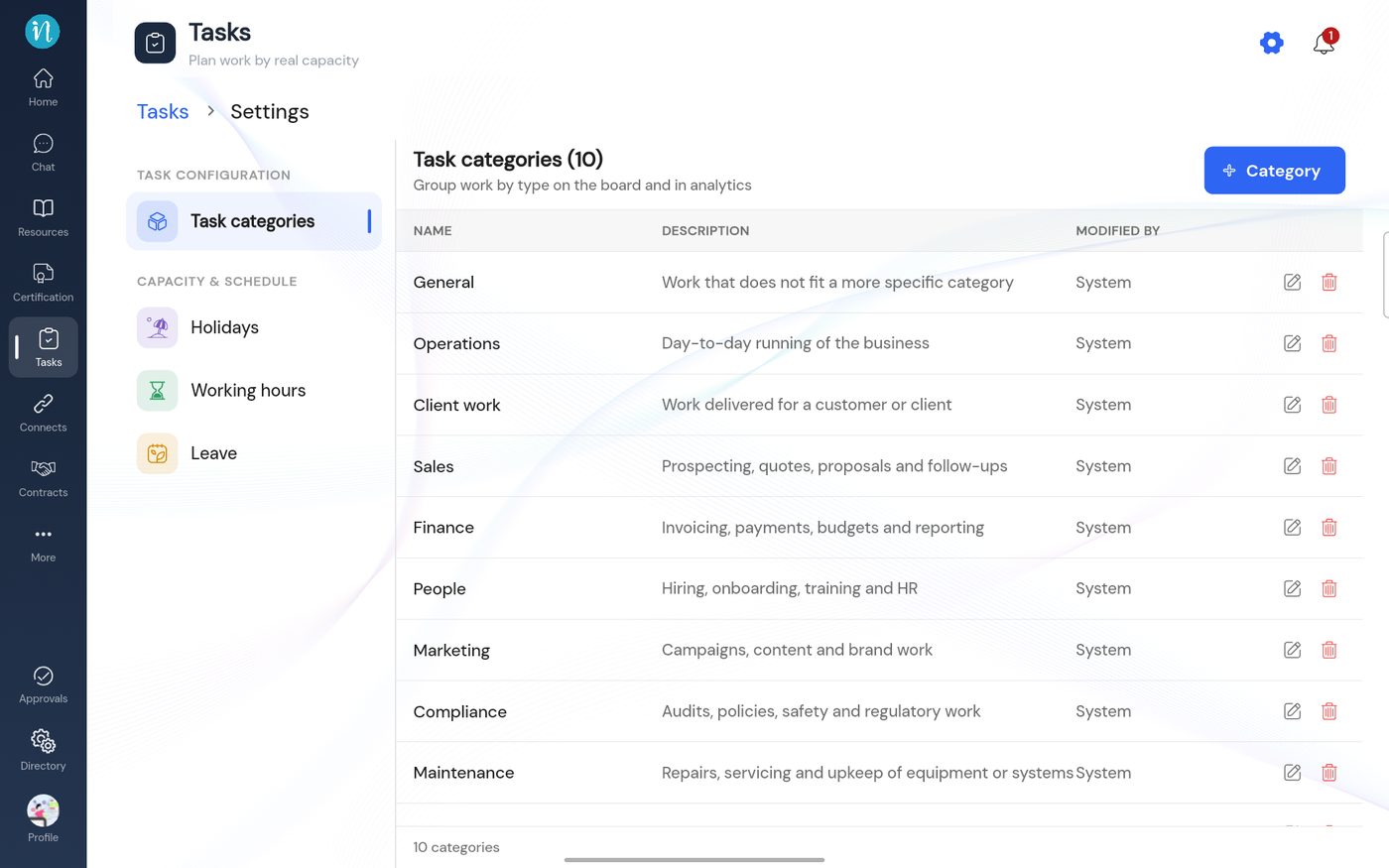
The category list -
Tap + Category, type a name and an optional description, then tap Add.
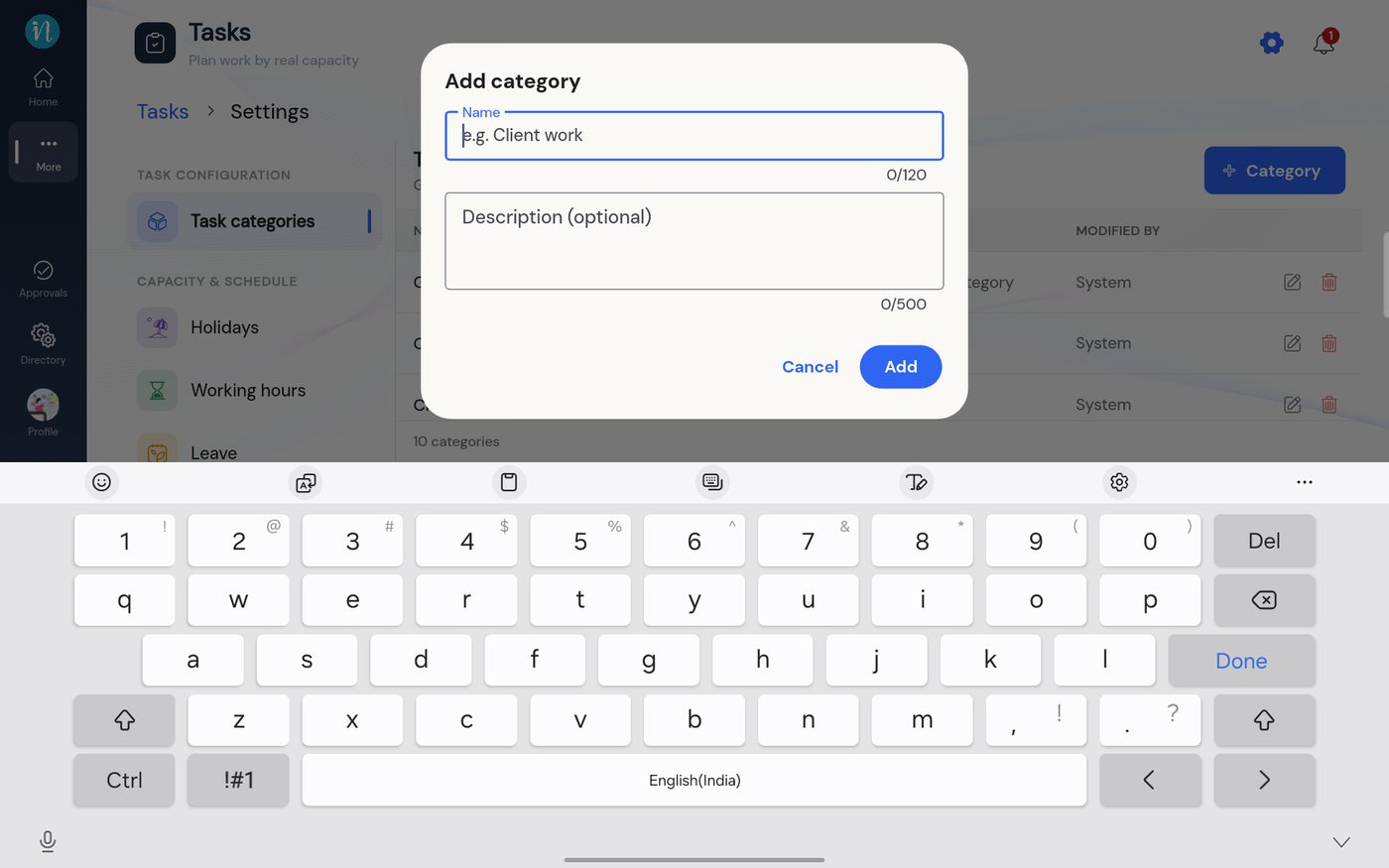
Add category
Good to know
- Renaming a category does not change the label on tasks already created.
Last updated 2026-10-23