Everyday tasks
How to create a folder
Who can use thisMembers and Super Admins
Permission you needUpload files and create folders
Set by your workspace admin. If you cannot do this, ask them for access. This article is written for Member and Super Admin. Use the role switch at the top to change what the menus show.
A folder keeps related files together. You can nest folders inside each other as deeply as you need.
Before you start: you need the Create permission. If the + New button is missing, ask your workspace admin. See What you can do.
-
Open Drive and stay on the My Files tab. To create the folder inside another folder, open that folder first.
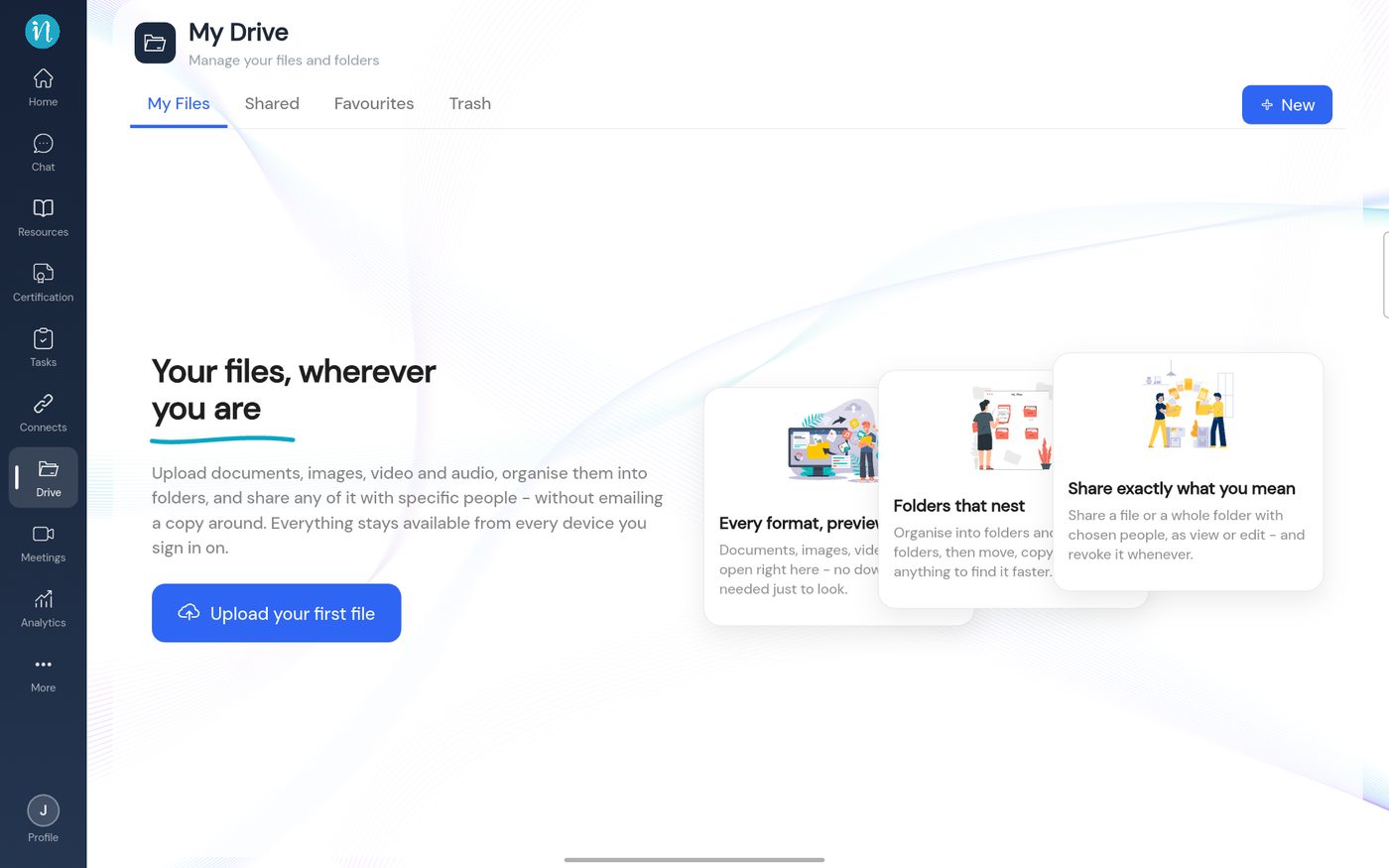 My Files tab
-
Tap + New. A small menu opens.
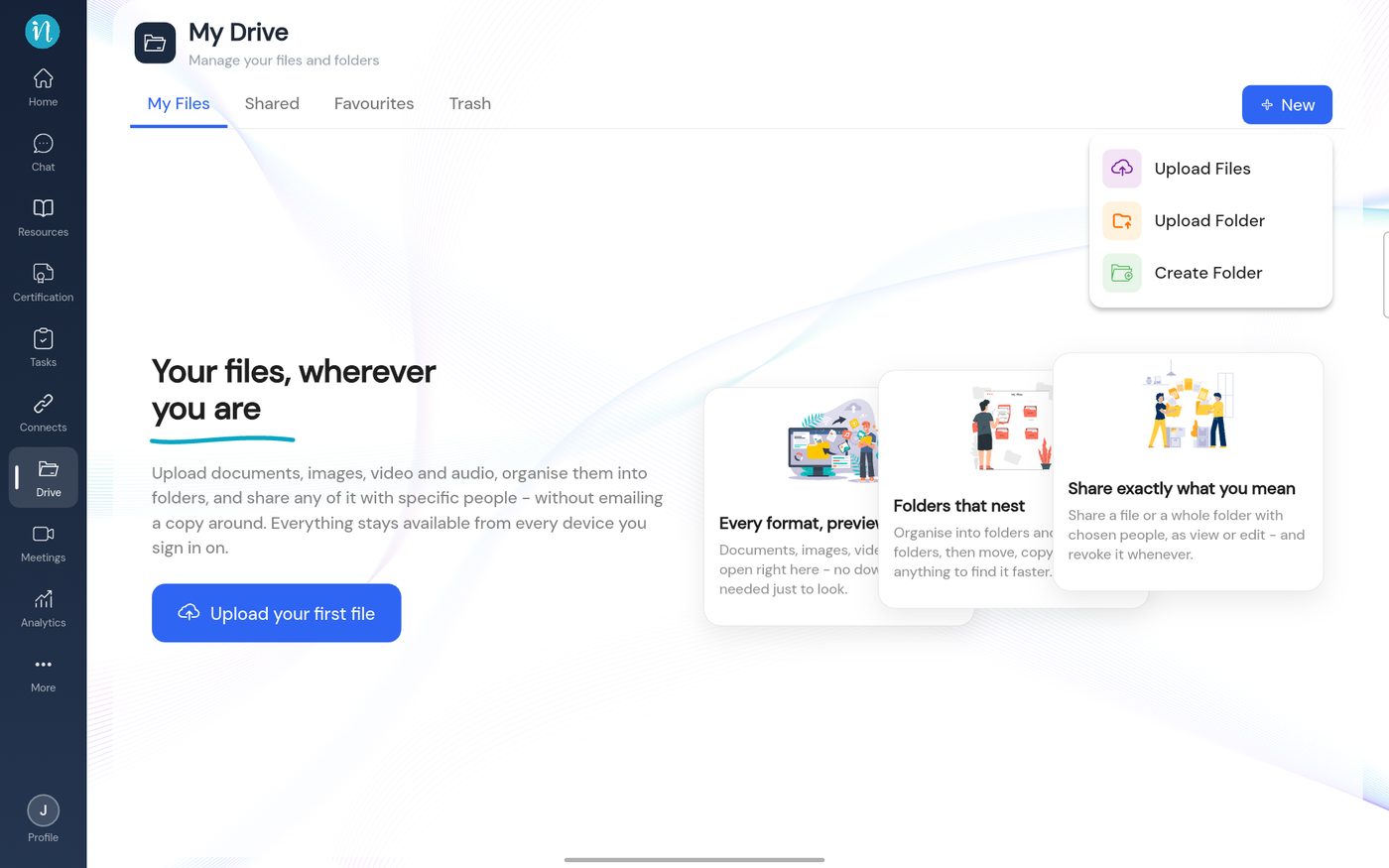 The New menu
-
Tap Create Folder. A dialog asks for a name.
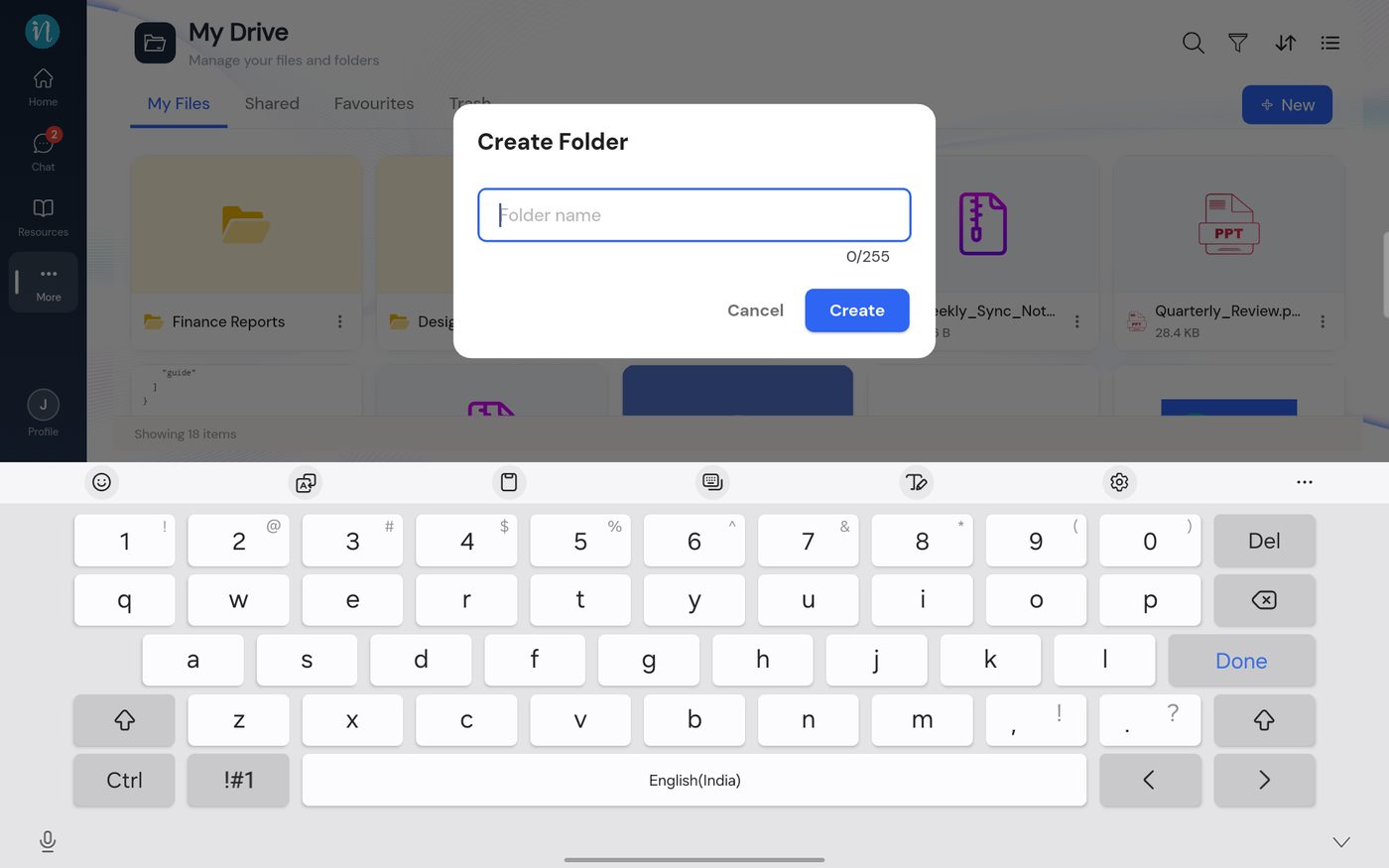 Create Folder dialog
-
Type the name, for example Project Documents. The counter follows what you type.
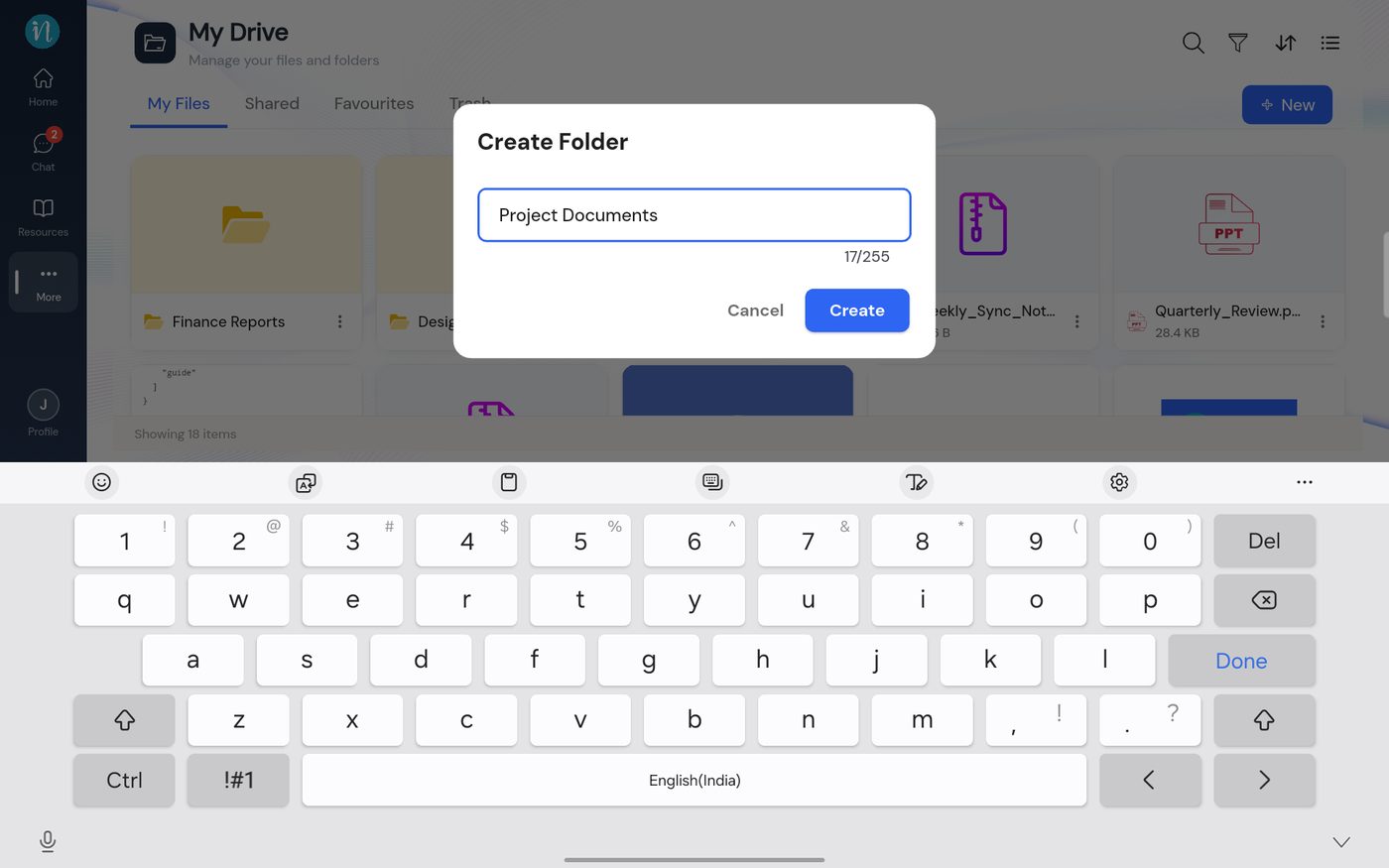 Folder name typed
-
Tap Create. The folder appears at once.
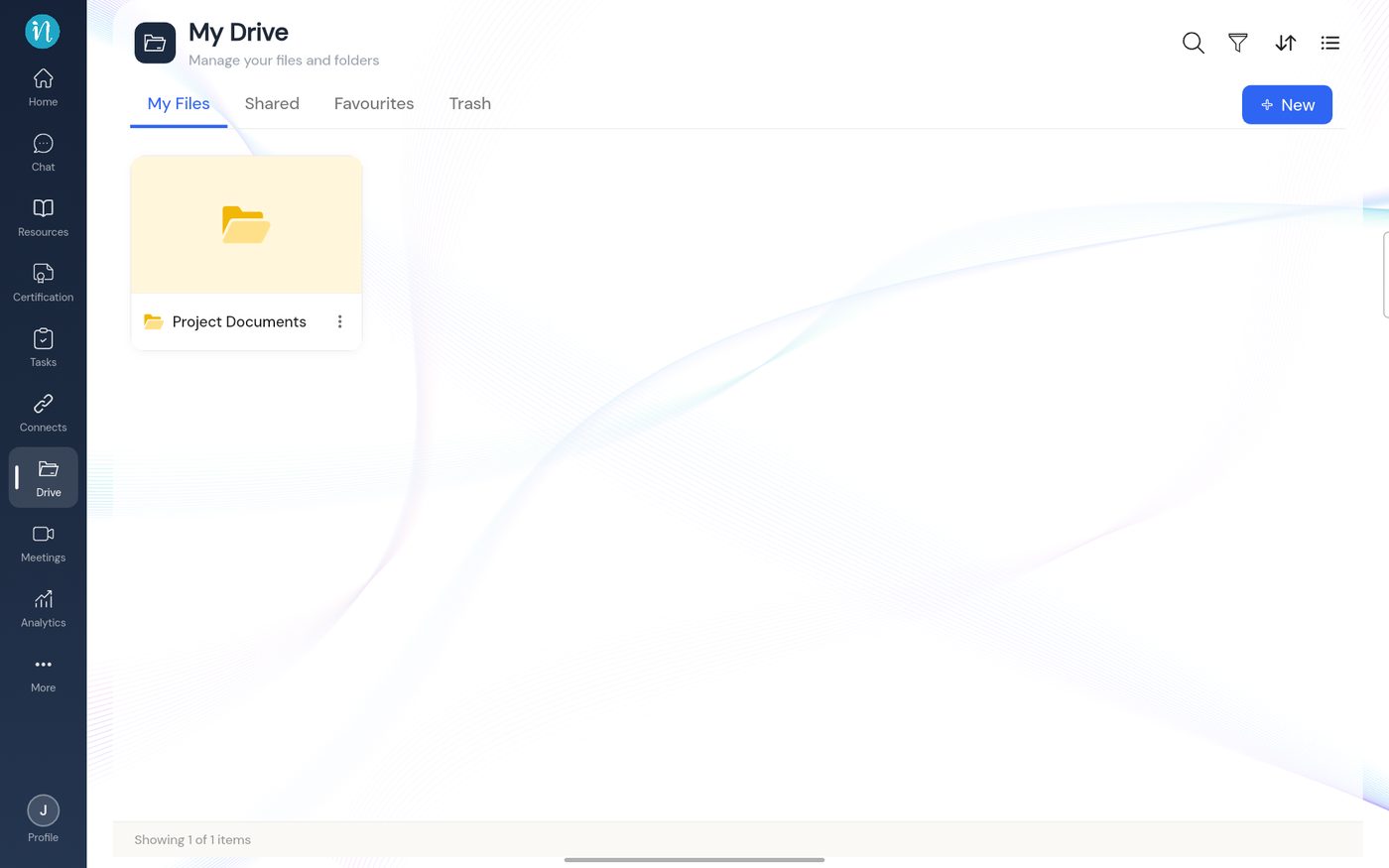 The new folder in My Files
-
Tap the folder to open it. A new folder is empty and invites you to add files or a sub-folder.
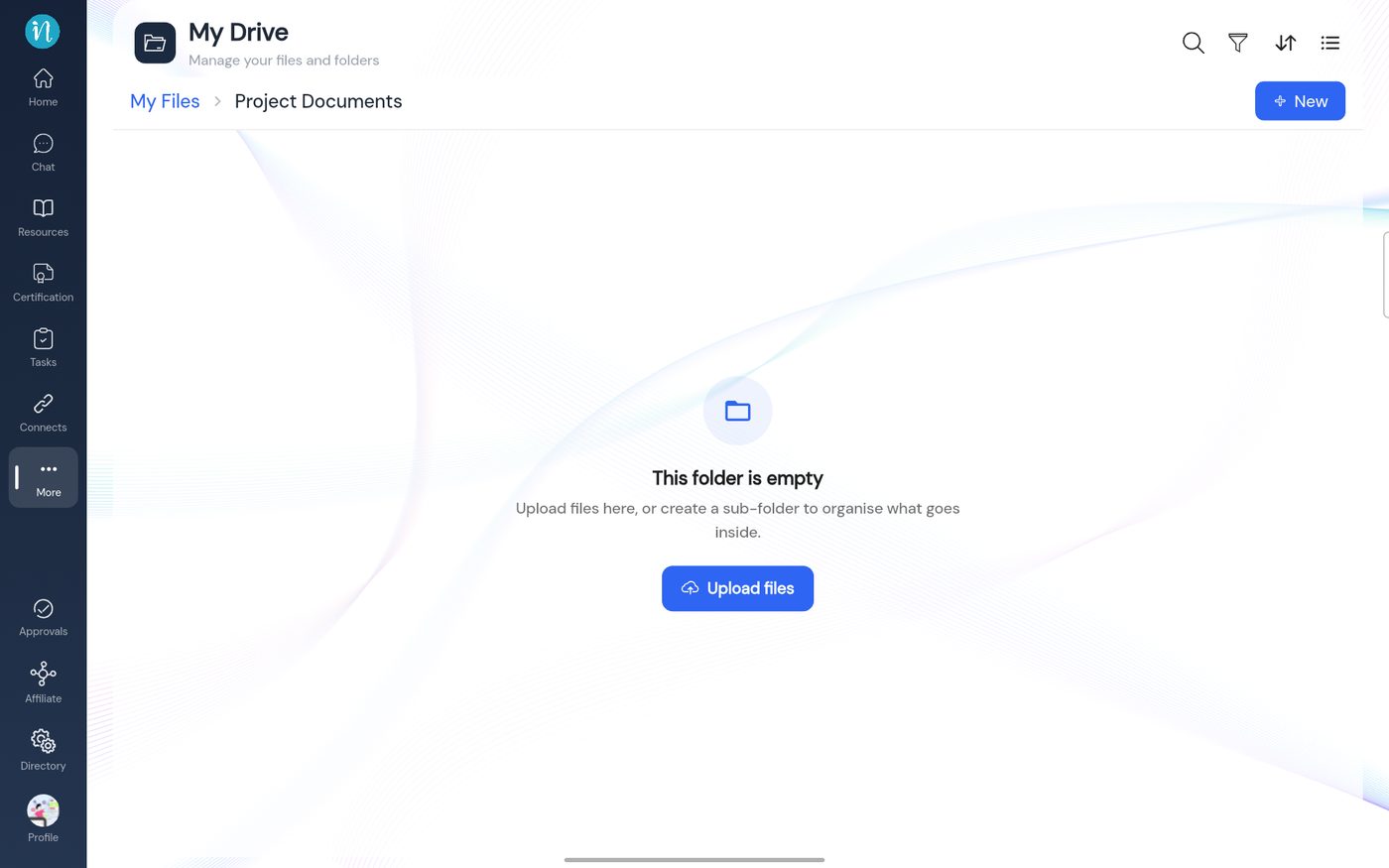 An empty folder
If the name is already used
Names must be unique inside a folder, and that counts files and folders together.
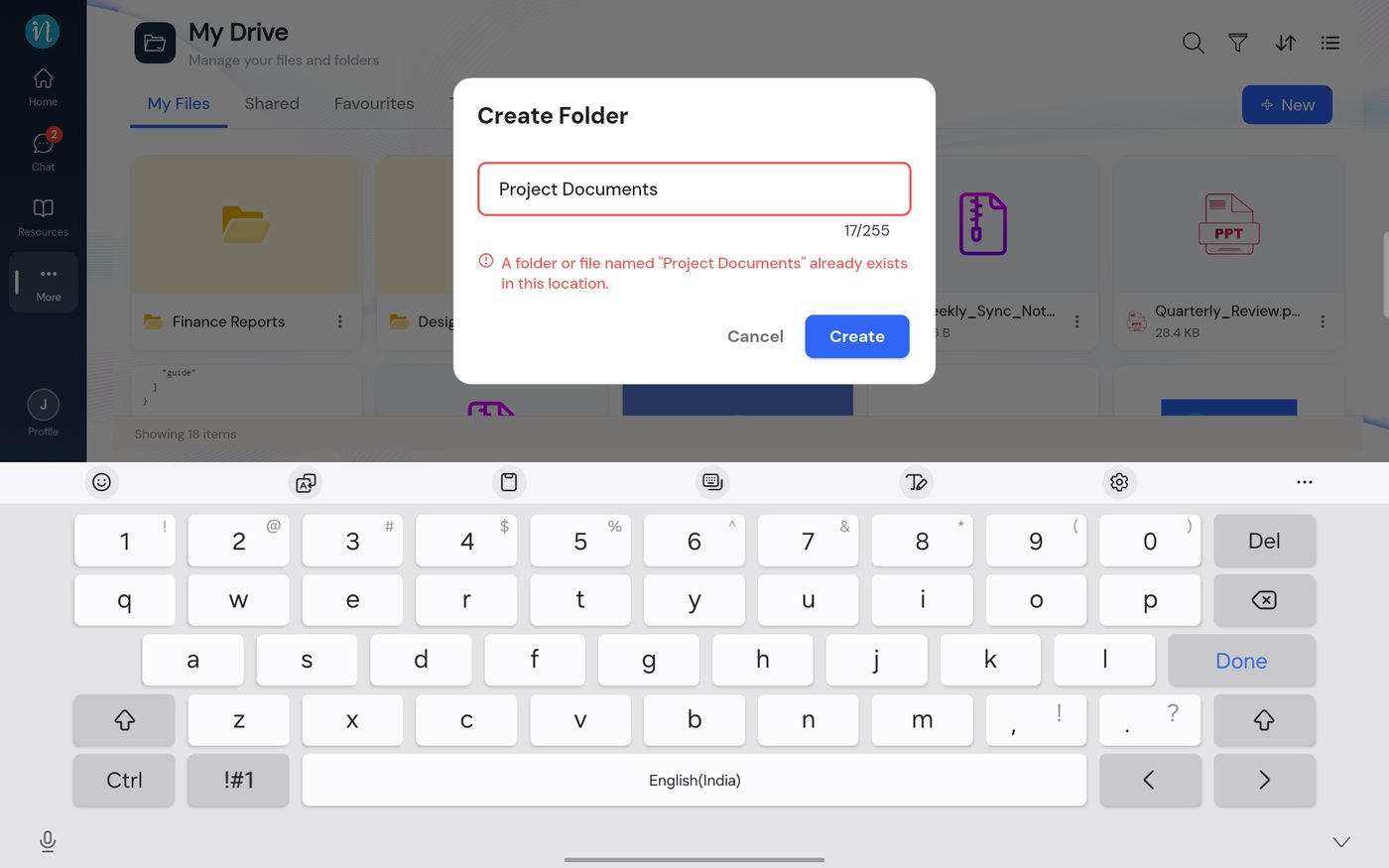 Duplicate folder name error
An item in Trash does not block a name. More detail: Naming rules.
Last updated 2026-10-22
