
Finding Drive in the sidebar
Who can use thisSuper Admins only
This article is written for Super Admin. Use the role switch at the top to change what the menus show.
On a tablet or a narrow screen the sidebar shows your most-used modules, and the rest sit under More. Drive can sit under More, next to Meetings, Analytics and Milestone. Which modules fit in the sidebar depends on your screen size.
-
Look at the left sidebar. If you do not see Drive, tap More at the bottom of the module icons.
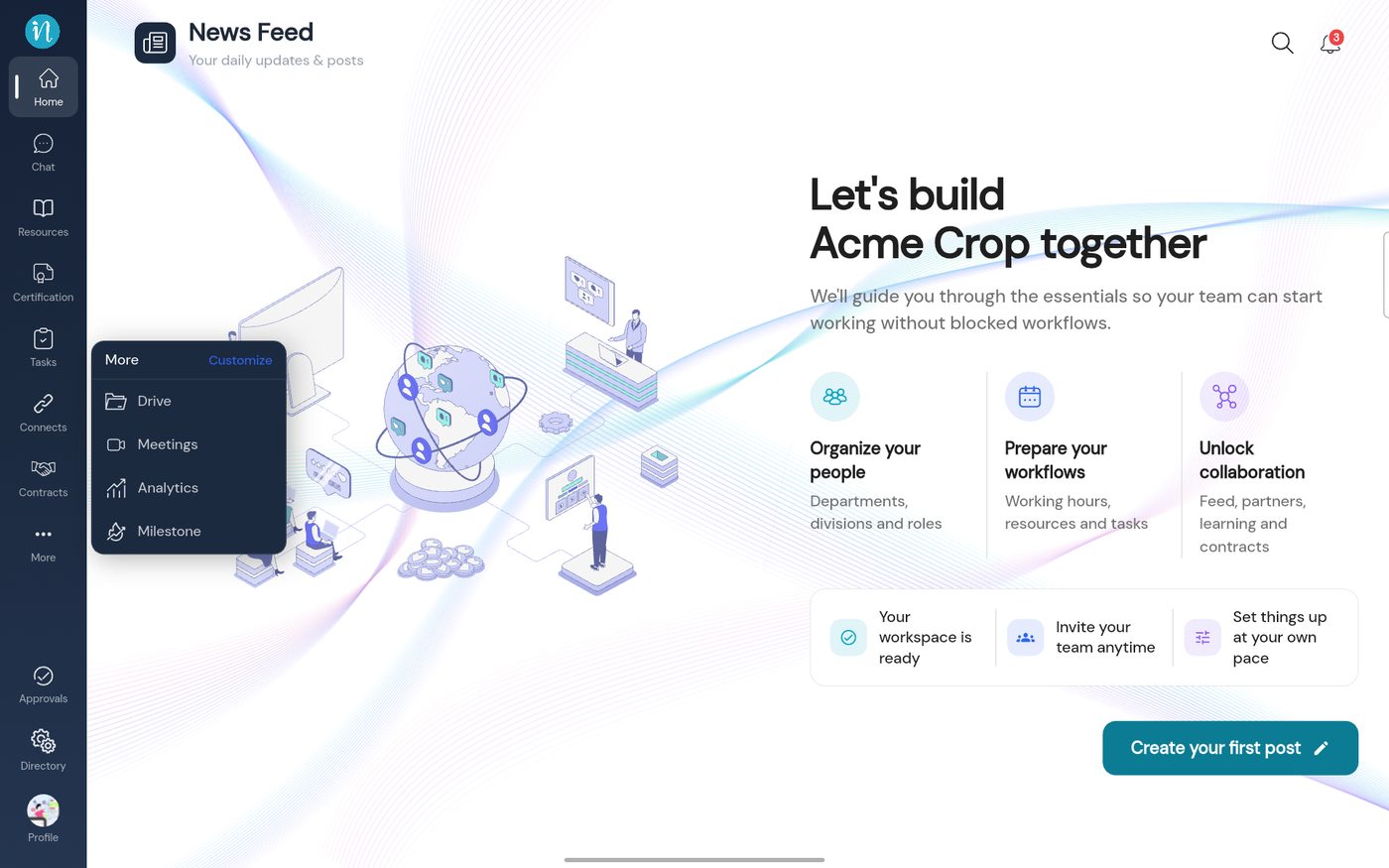
The More menu -
Tap Drive. My Drive opens on the My Files tab.
If Drive is missing from both the sidebar and More, it has been switched off in Directory → Menu Access. See Showing or hiding Drive in the sidebar.
Last updated 2026-10-22