Set by your workspace admin. If you cannot do this, ask them for access.
This article is written for Member and Super Admin. Use the role switch at the top to change what the menus show.
Favourites are a private shortcut list. Star a file or folder and it appears on the Favourites tab, so you do not have to dig through folders to find it. Only you see your favourites, and starring something never changes who else can see or edit it.
Add a favourite
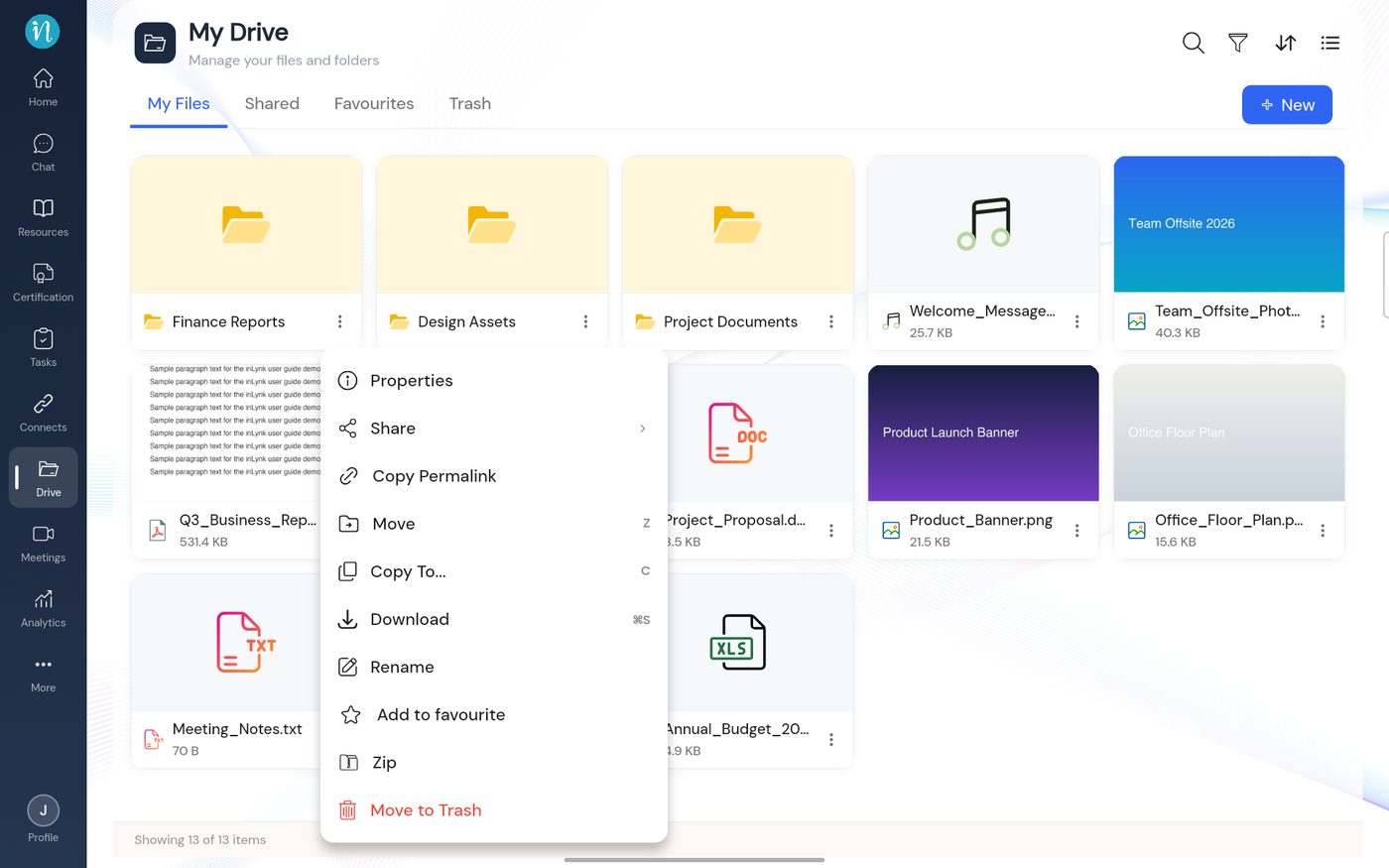
Tap the ⋮ on the file or folder you want to star.
Item menu with Add to favourite
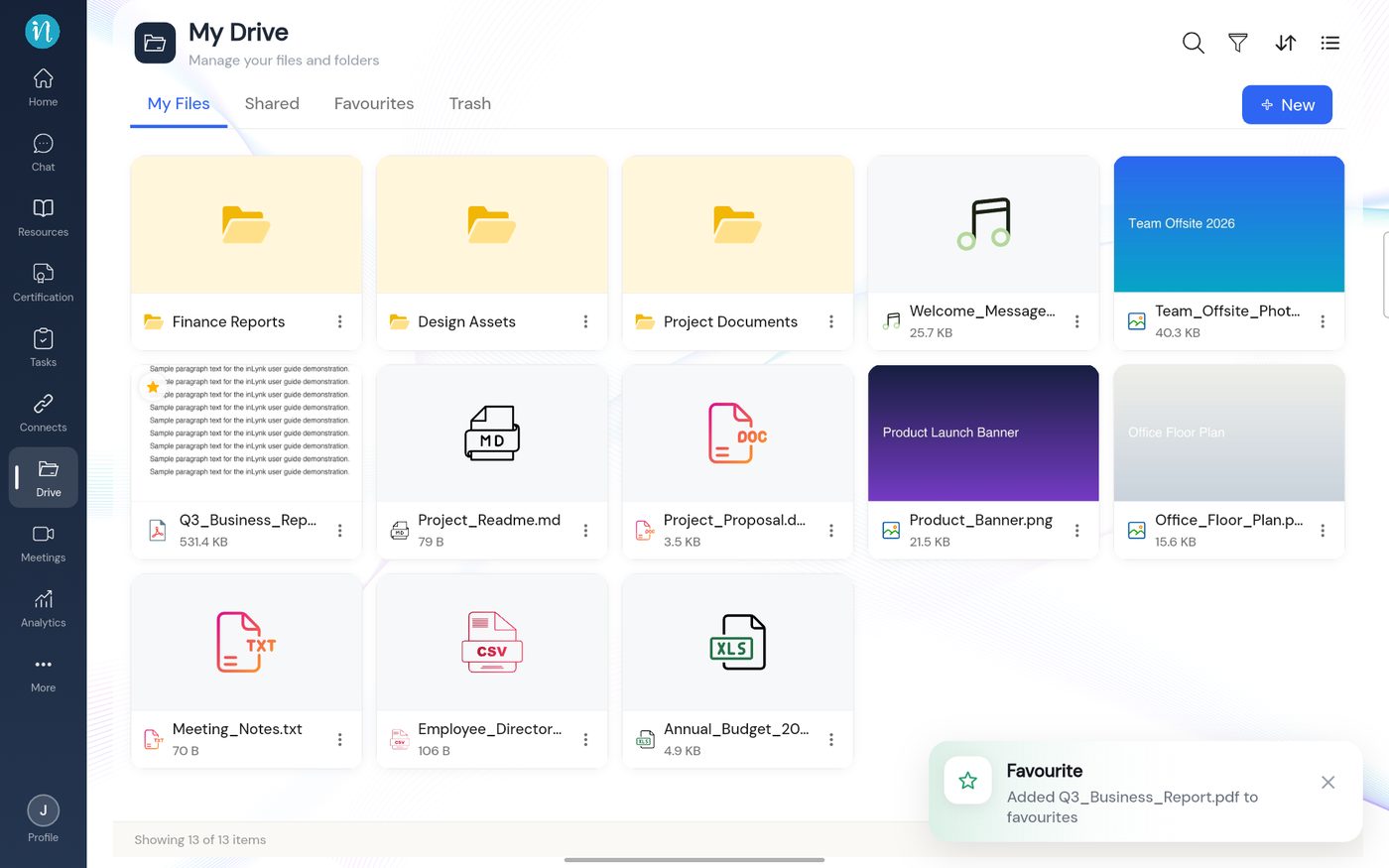
Tap Add to favourite. A message confirms it, and a star appears on the card.
After adding a favourite
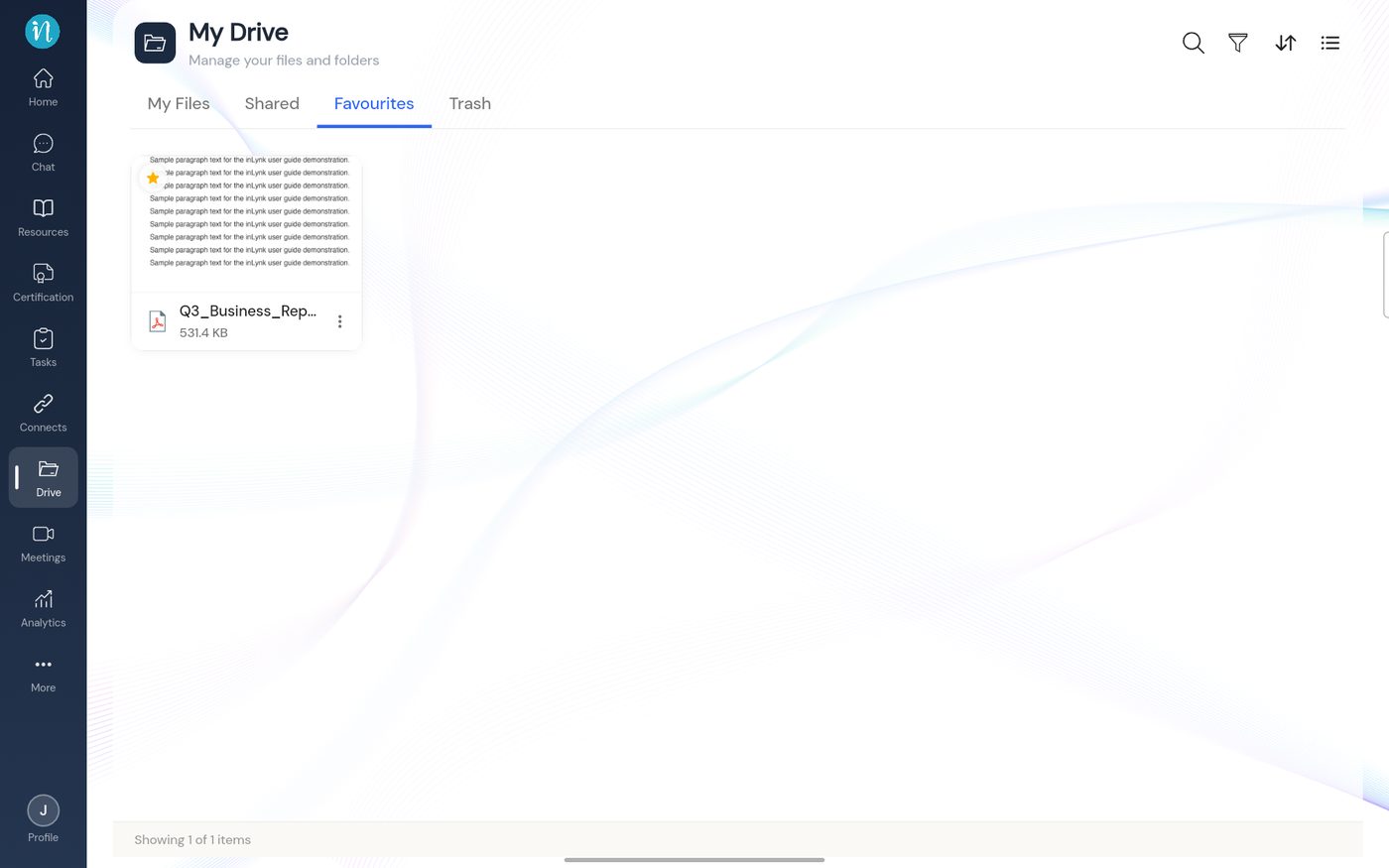
Open the Favourites tab to see everything you have starred.
Favourites tab
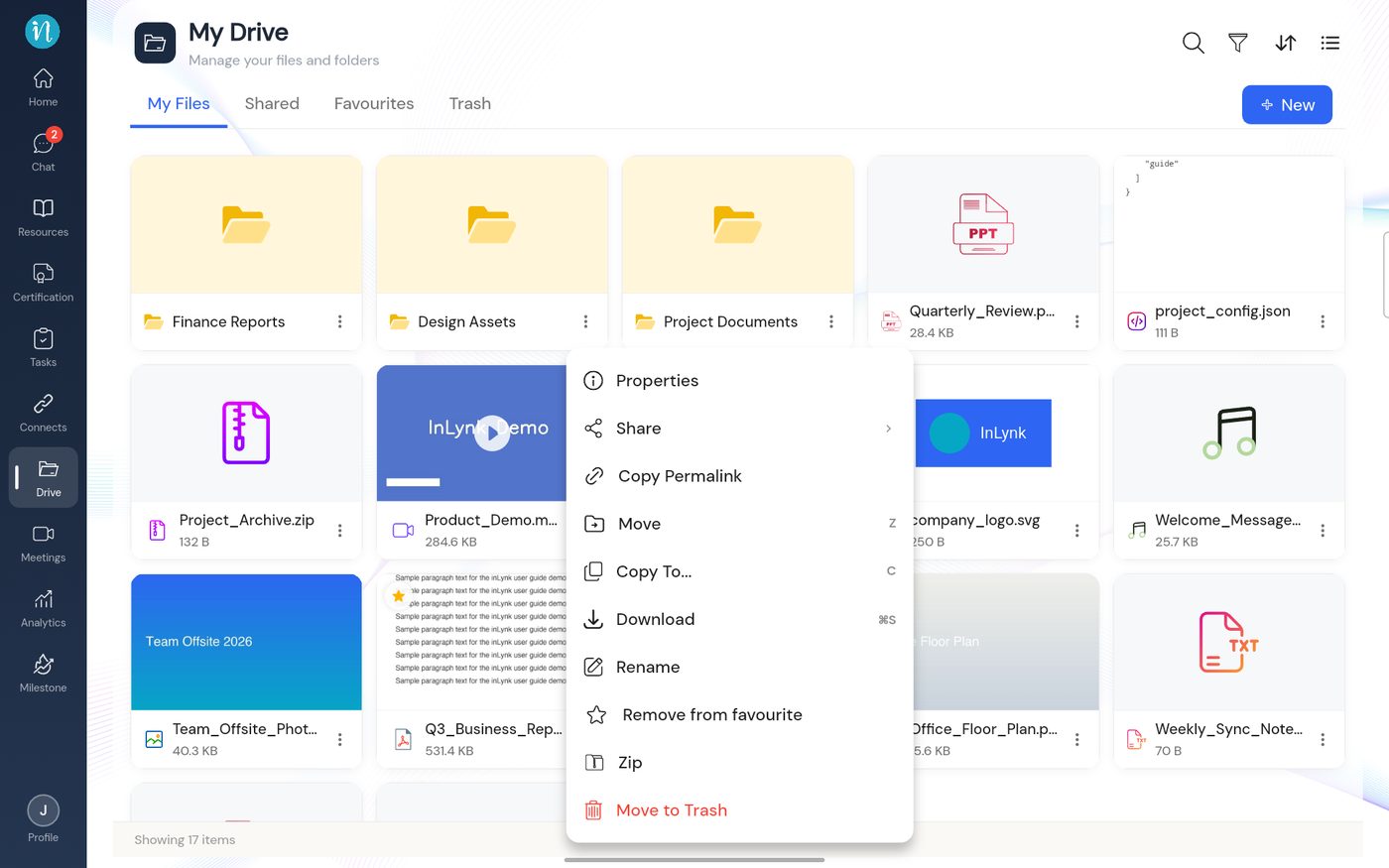
Remove a favourite
Tap the ⋮ on a starred item. The entry now reads Remove from favourite. Tap it.