Everyday tasks
How to open and preview a file
Who can use thisMembers and Super Admins
Permission you needView files and folders
Set by your workspace admin. If you cannot do this, ask them for access. This article is written for Member and Super Admin. Use the role switch at the top to change what the menus show.
You can read or play most files inside Drive without downloading them. Tap a file card and it opens in a viewer.
How to open a file
-
In My Files (or any folder, Shared or Favourites), tap the file. A viewer opens over the page.
-
Use the path bar at the top: My Files › file name. Tap My Files or the × to go back to the list.
-
Use the three icons at the top right: i shows the file's details, the share icon opens the Share dialog, and × closes the viewer.
What each type looks like
-
Images open full size. Swipe left or right to move through the images in the same folder.
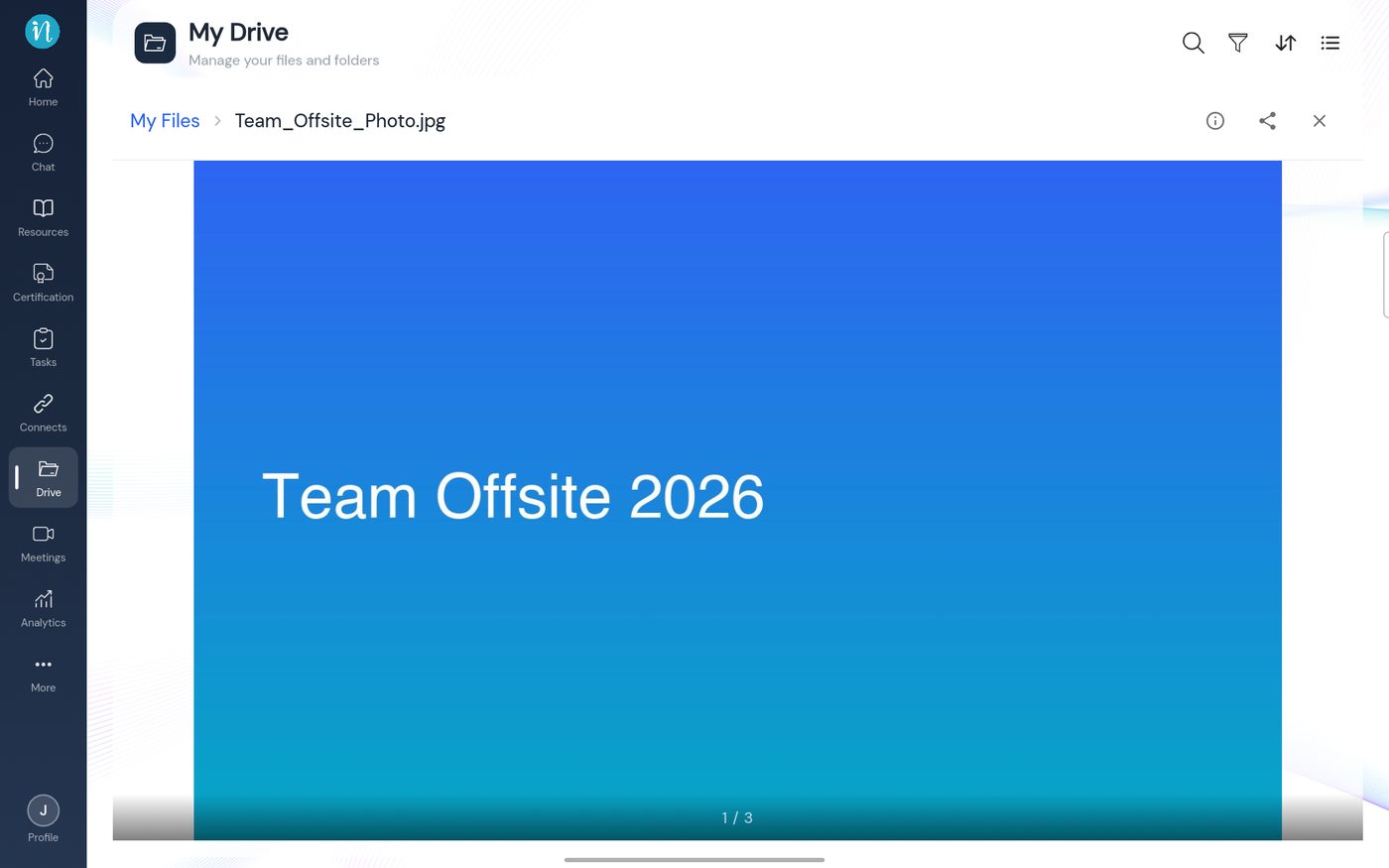 Image viewer
-
PDFs open with their pages in the viewer. Scroll to read.
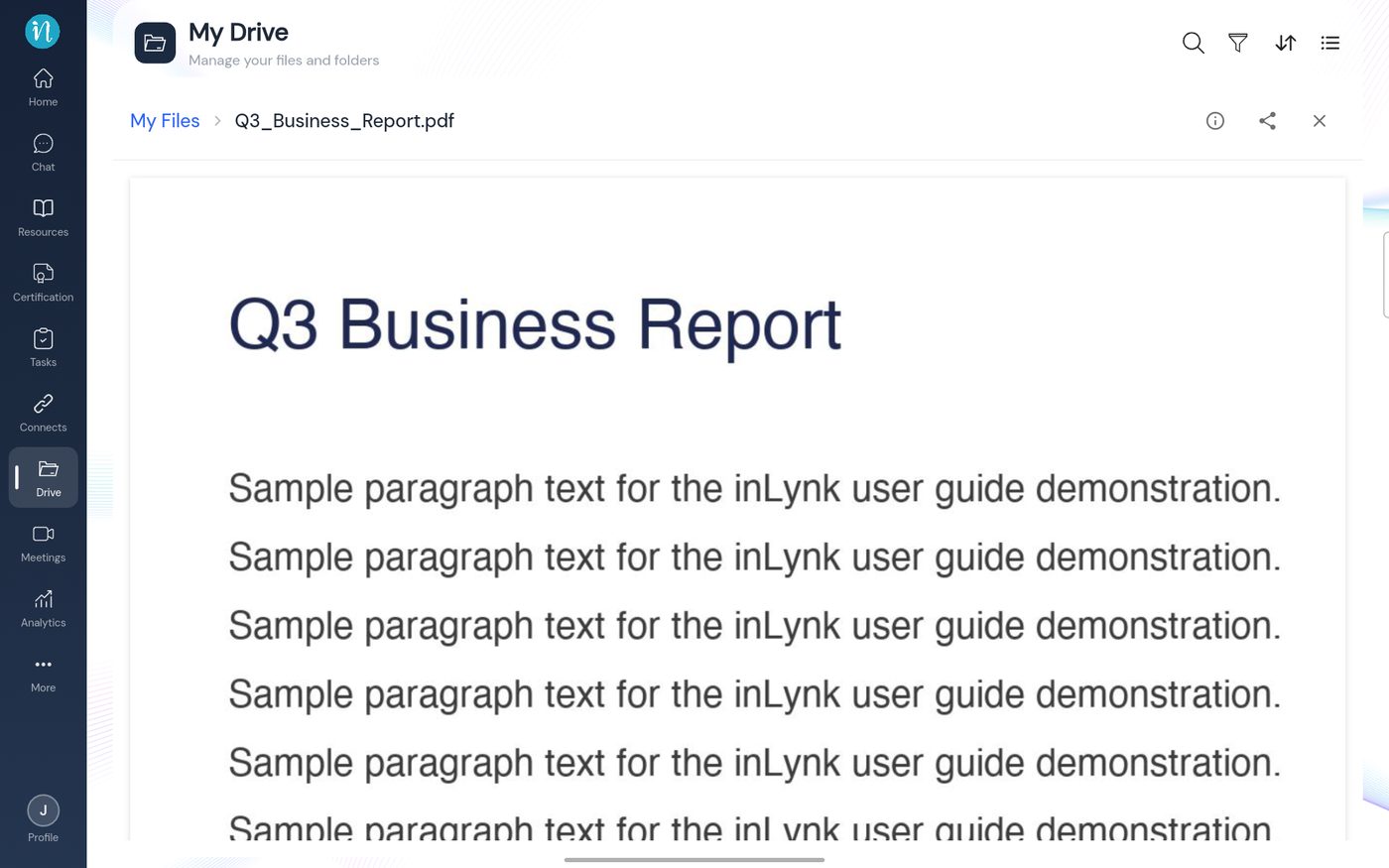 PDF viewer
-
Word documents (DOC, DOCX) open in the document viewer.
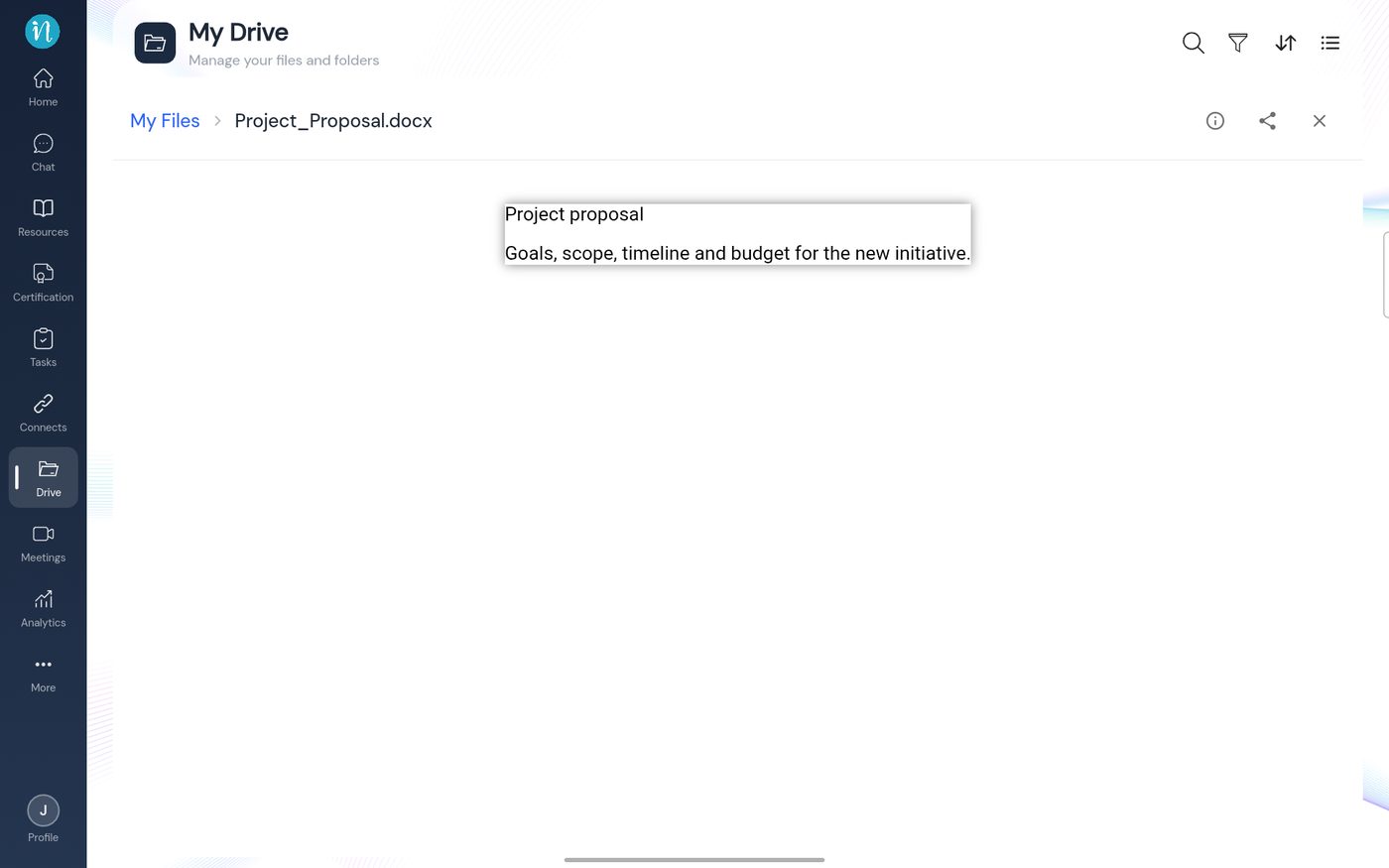 Word document viewer
-
Excel and CSV files open as a spreadsheet grid, with a tab for each sheet.
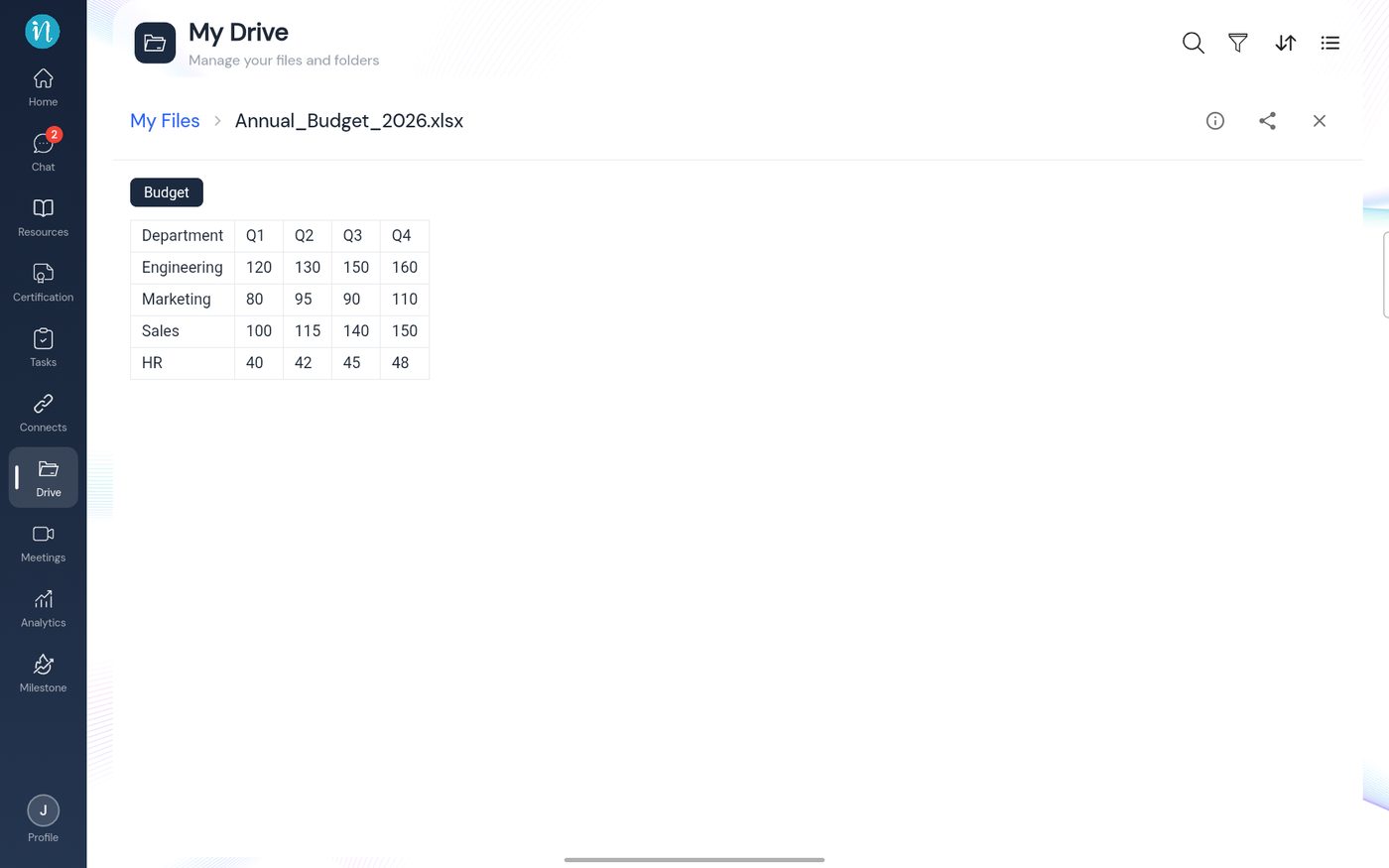 Spreadsheet viewer
-
Audio files open in a music-style player.
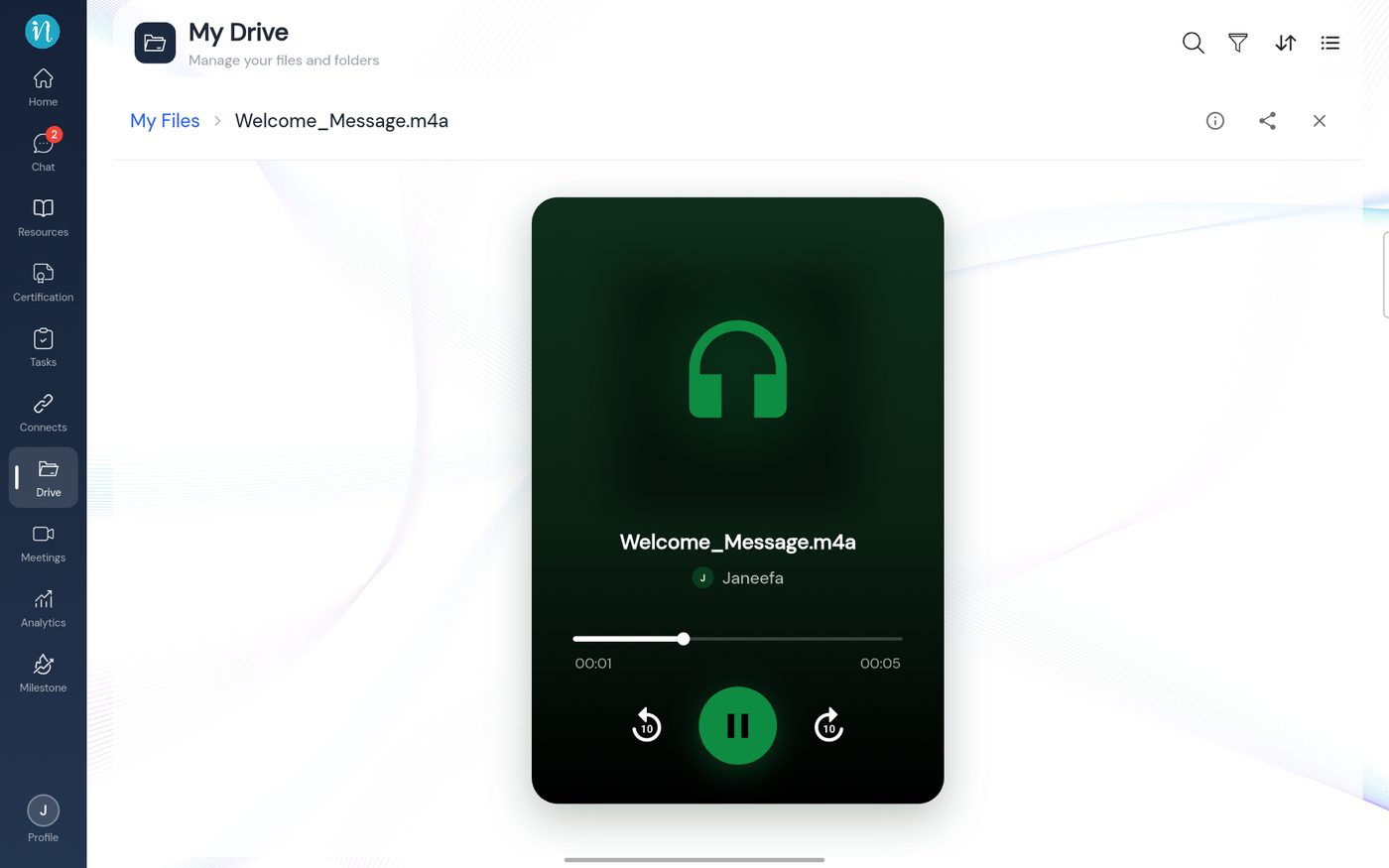 Audio player
Video, code and data files, SVG, PowerPoint and ZIP are covered in Supported file types.
If a file does not preview
PowerPoint, ZIP and other unsupported types show a File Details card with Share and Download instead. See A file opens as File Details.
Last updated 2026-10-22
