Set by your workspace admin. If you cannot do this, ask them for access.
This article is written for Member and Super Admin. Use the role switch at the top to change what the menus show.
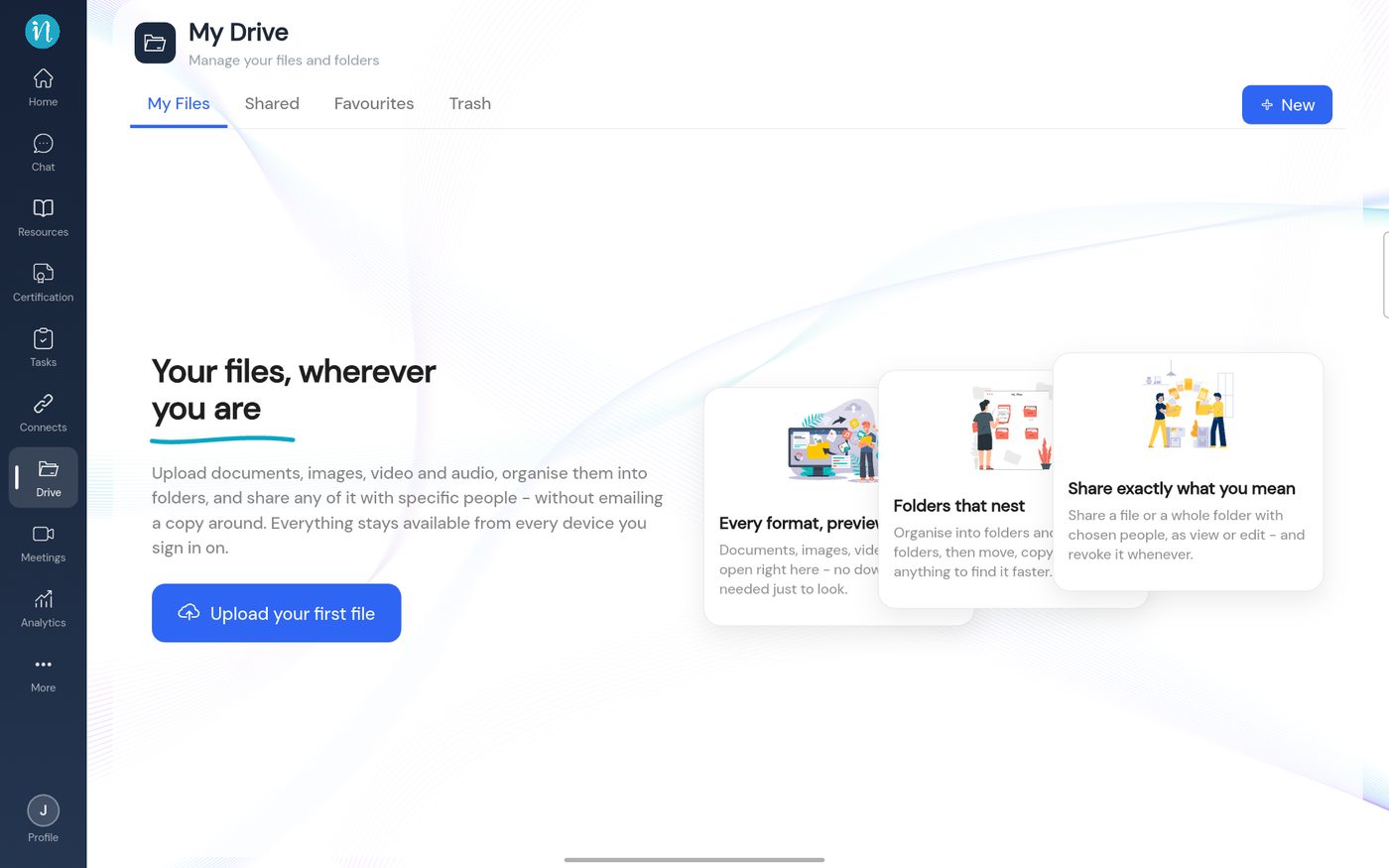
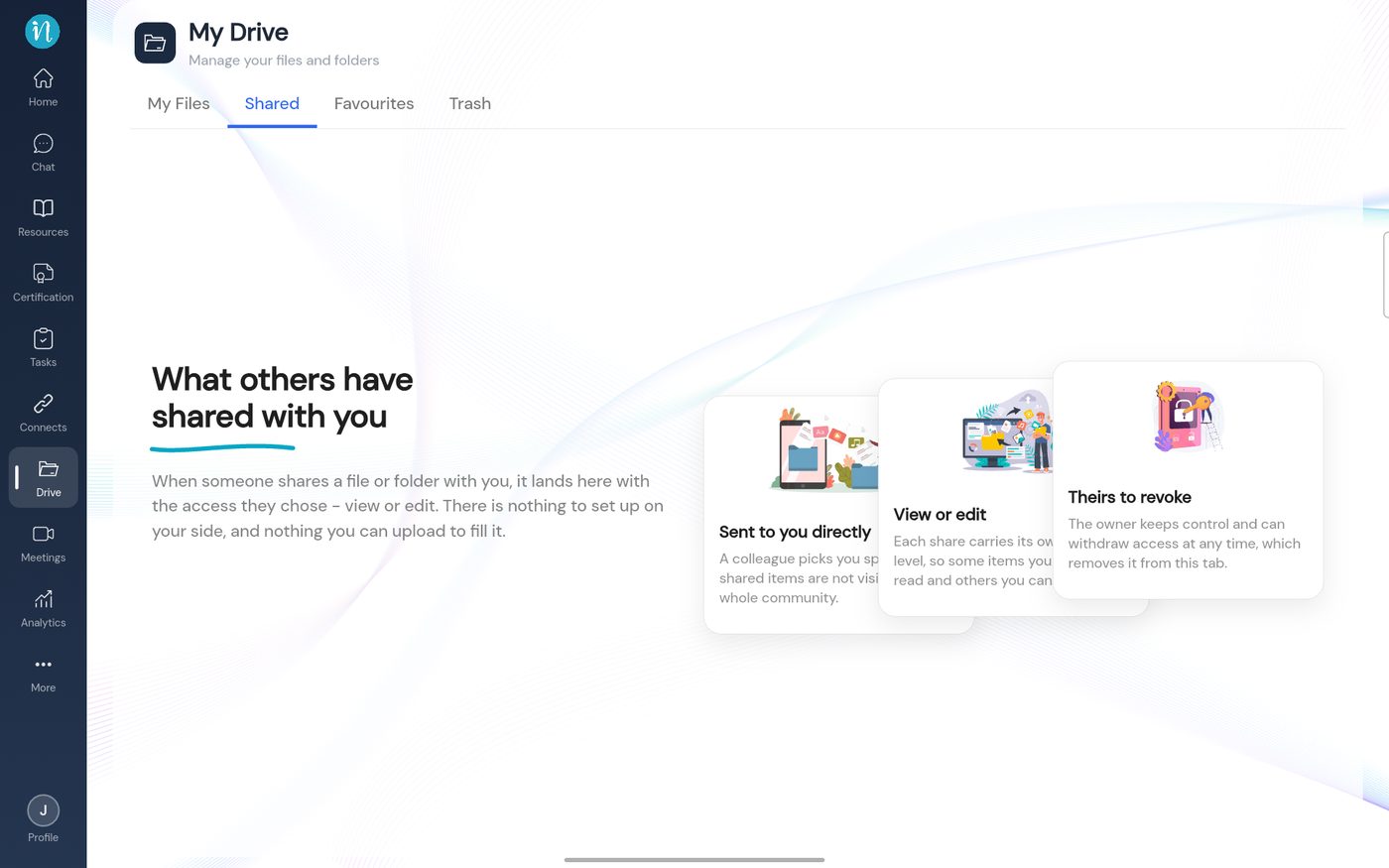
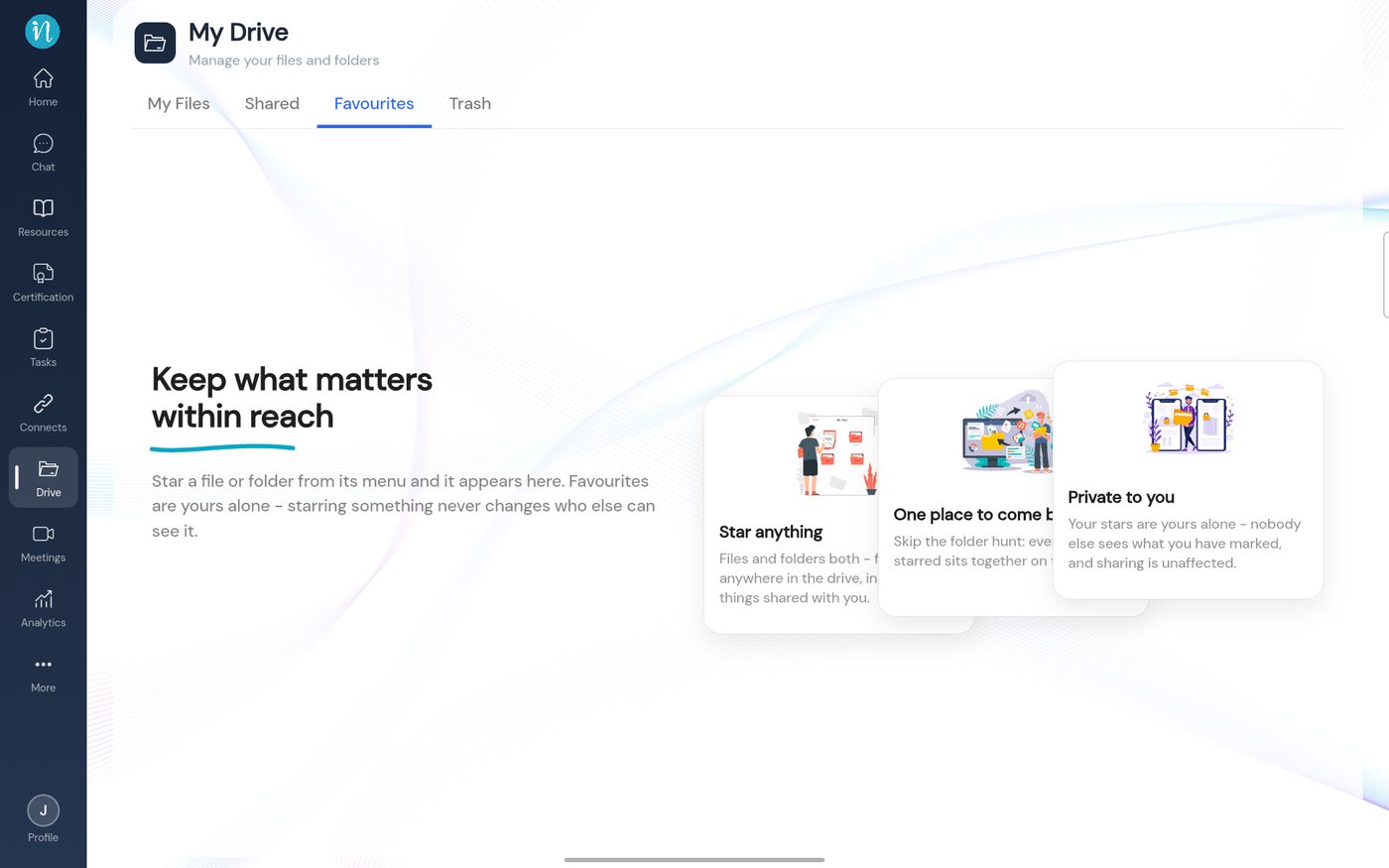
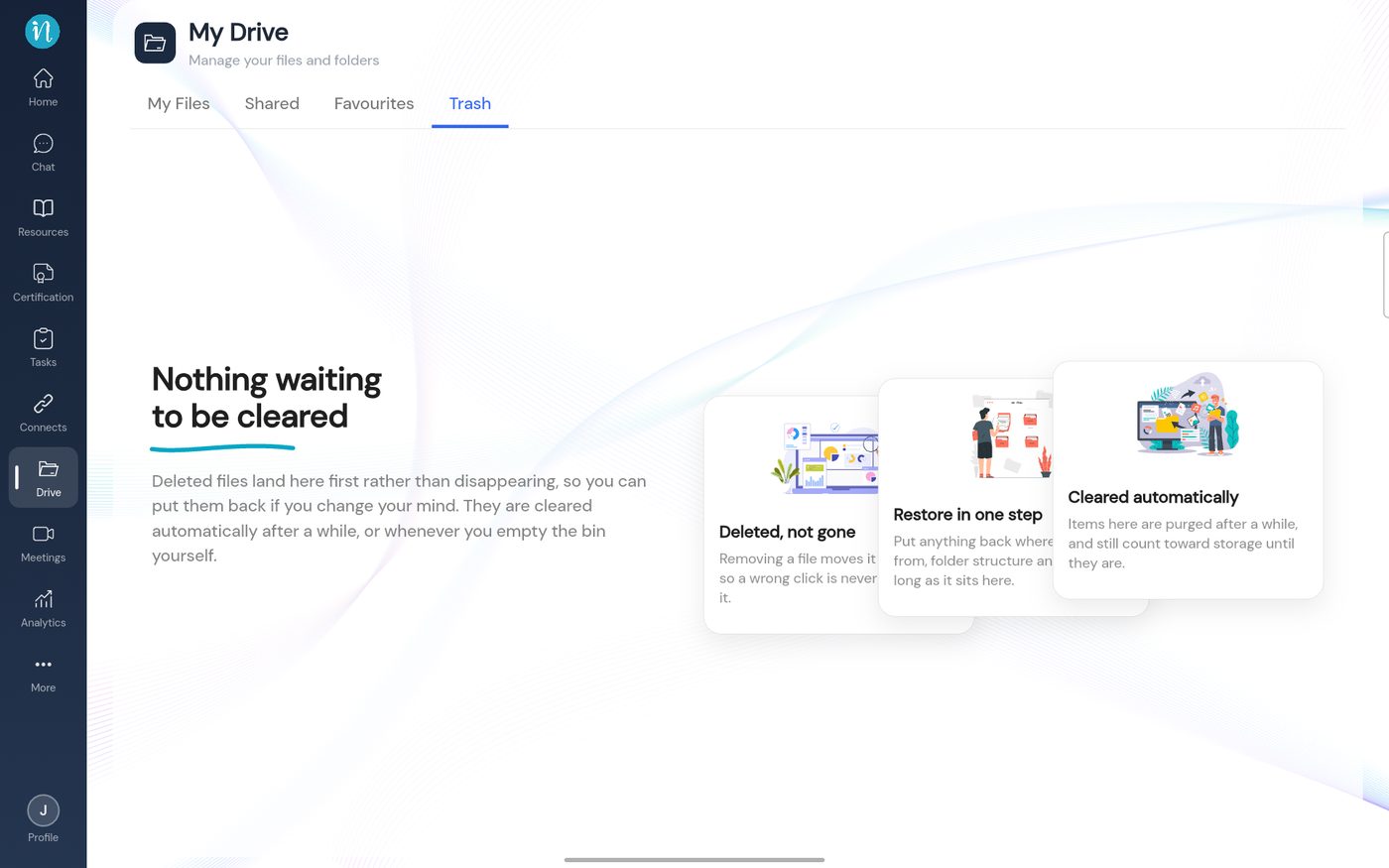
The first time you open each tab of Drive, it is empty. Instead of a blank page, inLynk Business Network shows a short explanation of what the tab is for. These screens disappear as soon as the tab has something in it. Follow the steps below to see all four.
Open Drive from the left sidebar. You land on the My Files tab.
First time in My Files
Tap the Shared tab.
First time in Shared
Tap the Favourites tab.
First time in Favourites
Tap the Trash tab.
First time in Trash
Good to know
Which buttons you see depends on your permissions. See What you can do.
When you have items, each tab shows them instead of this explanation.