Set by your workspace admin. If you cannot do this, ask them for access.
This article is written for Member and Super Admin. Use the role switch at the top to change what the menus show.
Zip packs a file or folder into a single compressed .zip file, which is easier to send or download. The zip is created in the folder you are in; the original stays as it is.
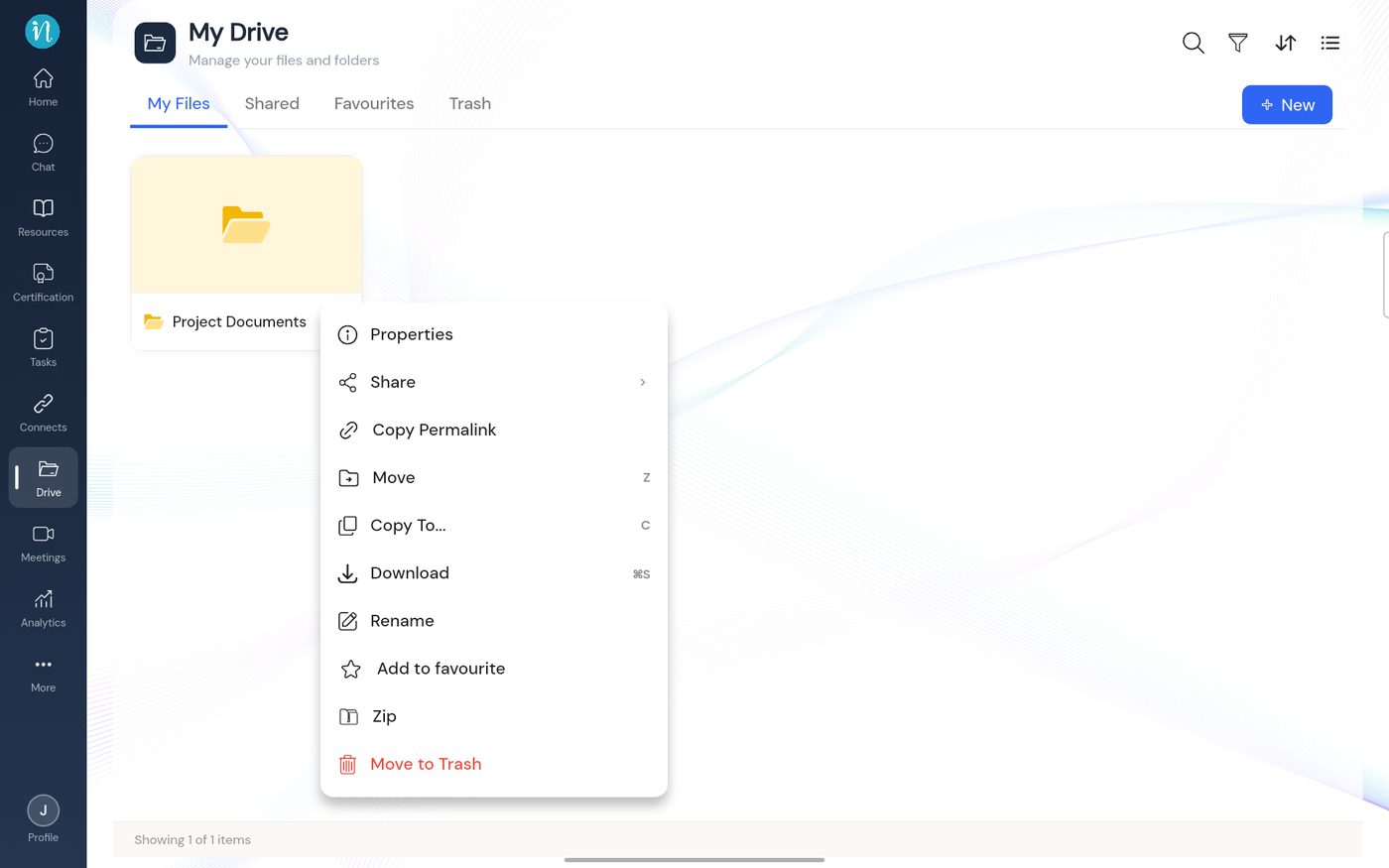
Tap the ⋮ on the item and choose Zip.
Item menu with Zip
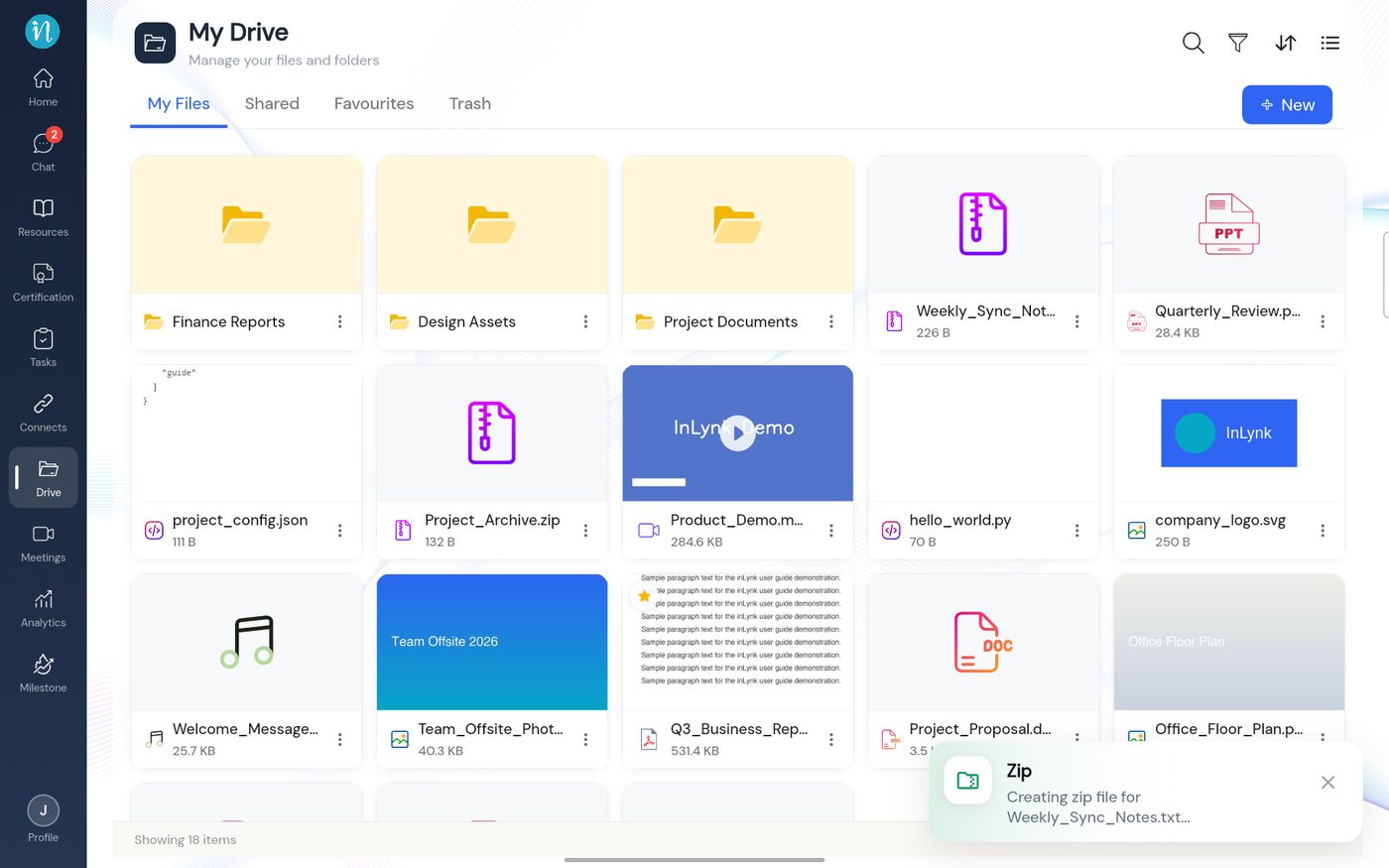
A message says the zip file is being created. Wait a moment.
Creating the zip
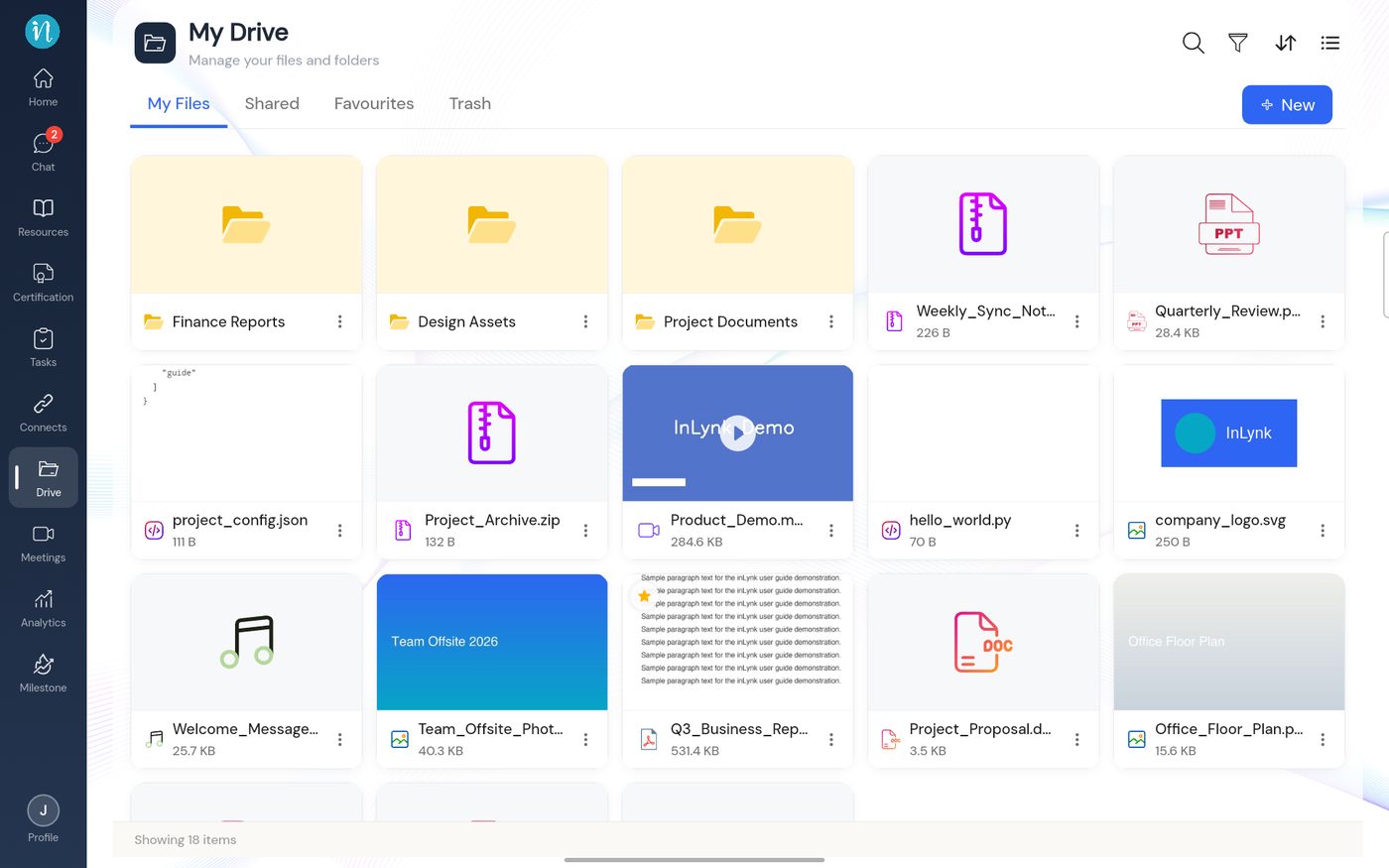
When the message goes away, the zip is ready to use.