
"A folder or file named … already exists in this location"
Who can use thisMembers and Super Admins
Permissions you need
Upload files and create foldersRename, move, and update files
Set by your workspace admin. If you cannot do this, ask them for access.This article is written for Member and Super Admin. Use the role switch at the top to change what the menus show.
What you see: creating a folder, or renaming an item, is refused with A folder or file named … already exists in this location.
-
Look at the dialog you were using.
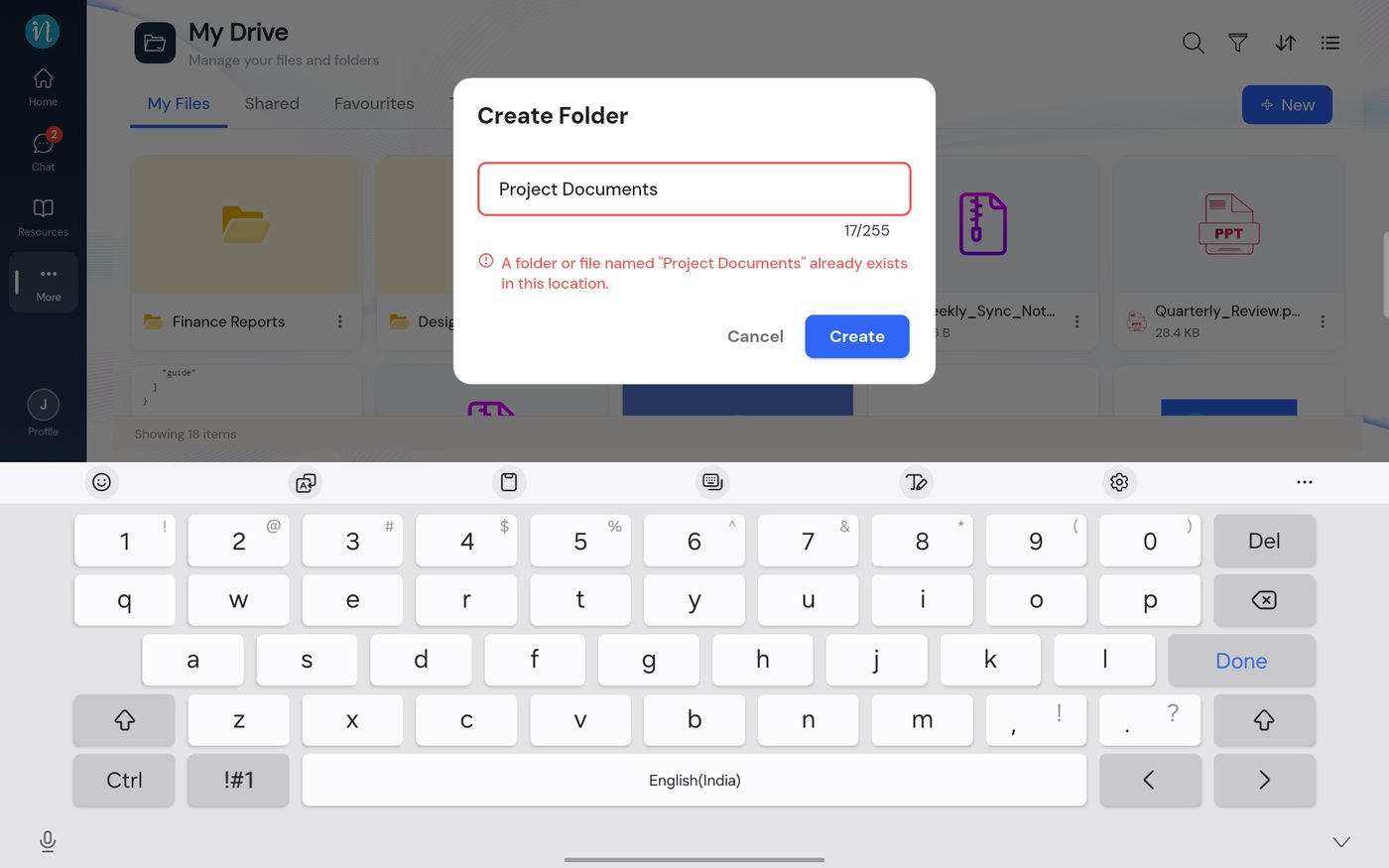
Duplicate name error in the Create Folder dialog -
Change the name in the field and tap Create again.
Why: names must be unique inside a folder, and that applies to files and folders together.
Other ways to fix it - Choose a different name (up to 255 characters). - Open the other folder and create or rename the item there.
An item that is in Trash does not block you from using its name again.
Last updated 2026-10-22