
How to search
Who can use thisMembers and Super Admins
Permission you need
View files and folders
Set by your workspace admin. If you cannot do this, ask them for access.This article is written for Member and Super Admin. Use the role switch at the top to change what the menus show.
Search looks through the names of the files and folders in your drive. For example, searching report finds both a folder called Finance Reports and a PDF called Q3_Business_Report.
-
Open Drive on the My Files tab. Find the magnifier icon at the top right.
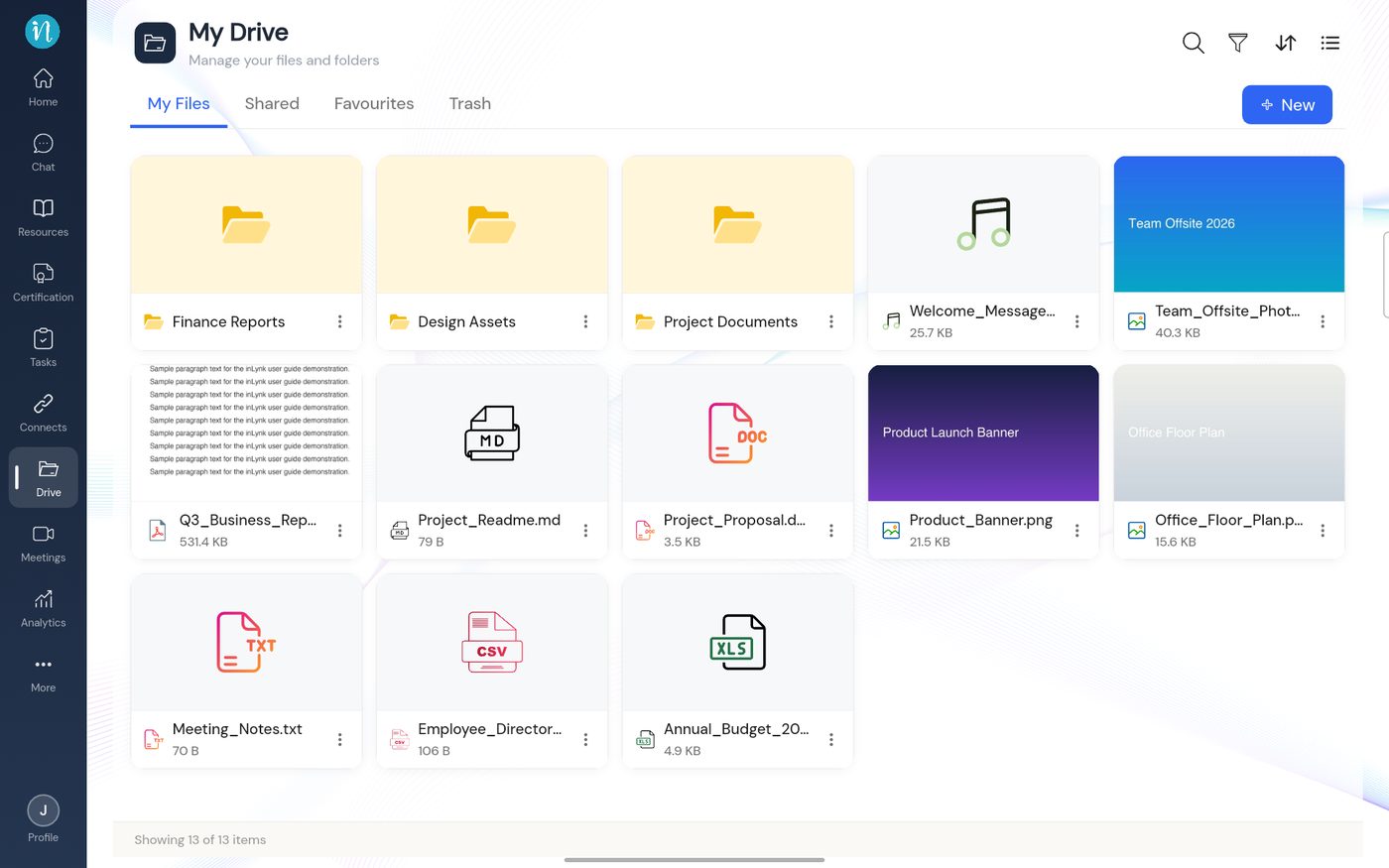
My Drive with the tools at the top right -
Type what you are looking for. Results update as you type.
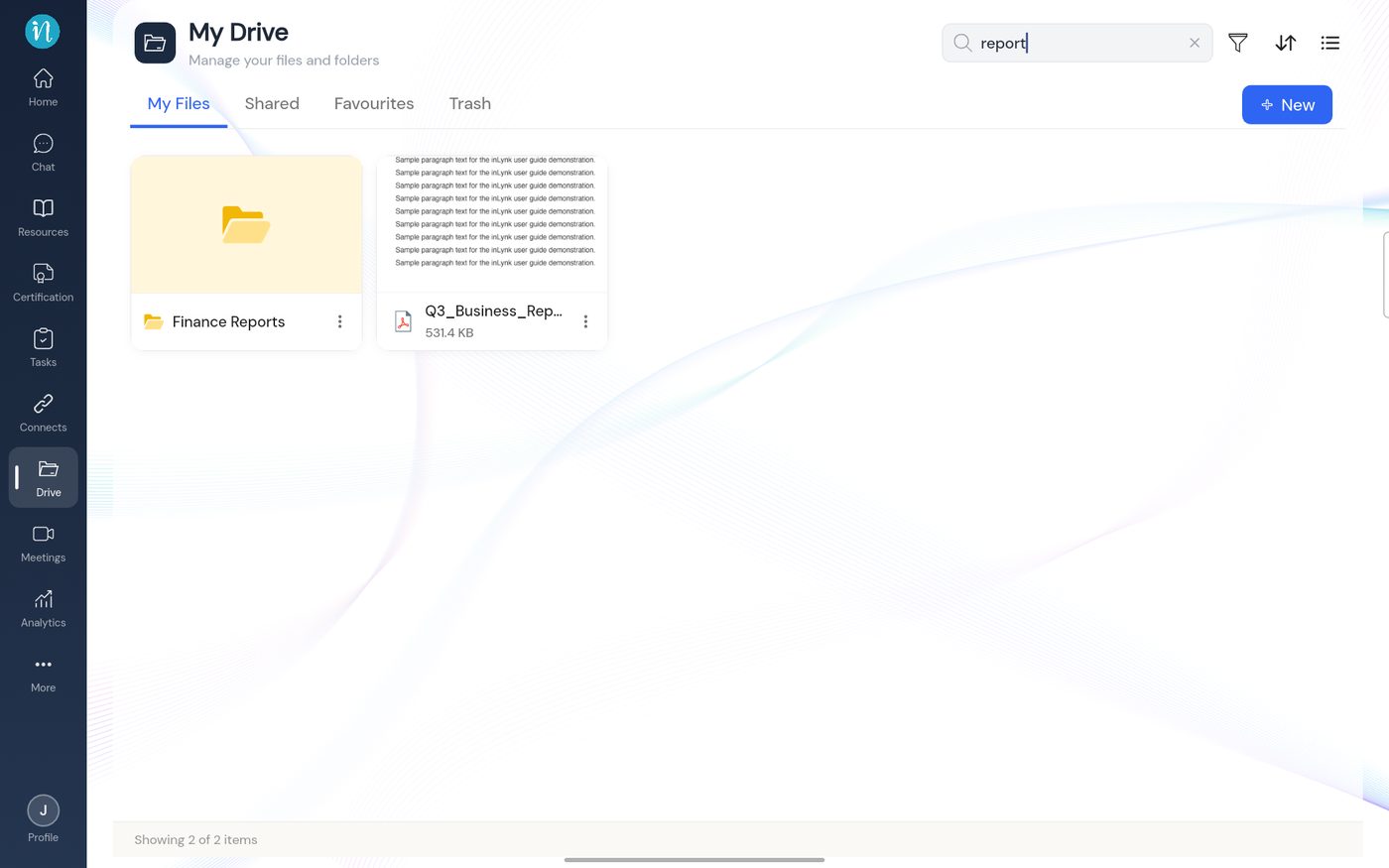
Search results -
Tap a result to open it, or tap the × to clear the search and return to the full list.
Tip: to narrow by date or by kind of file (images, videos, documents) use Filter, sort and change the view.
Last updated 2026-10-22