
What the other person sees
Who can use thisMembers and Super Admins
Permission you need
View files and folders
Set by your workspace admin. If you cannot do this, ask them for access.This article is written for Member and Super Admin. Use the role switch at the top to change what the menus show.
When you share an item, the other person finds it in their own Shared tab. They cannot see anything else of yours.
-
The person opens Drive and taps the Shared tab. The item you shared is listed there.
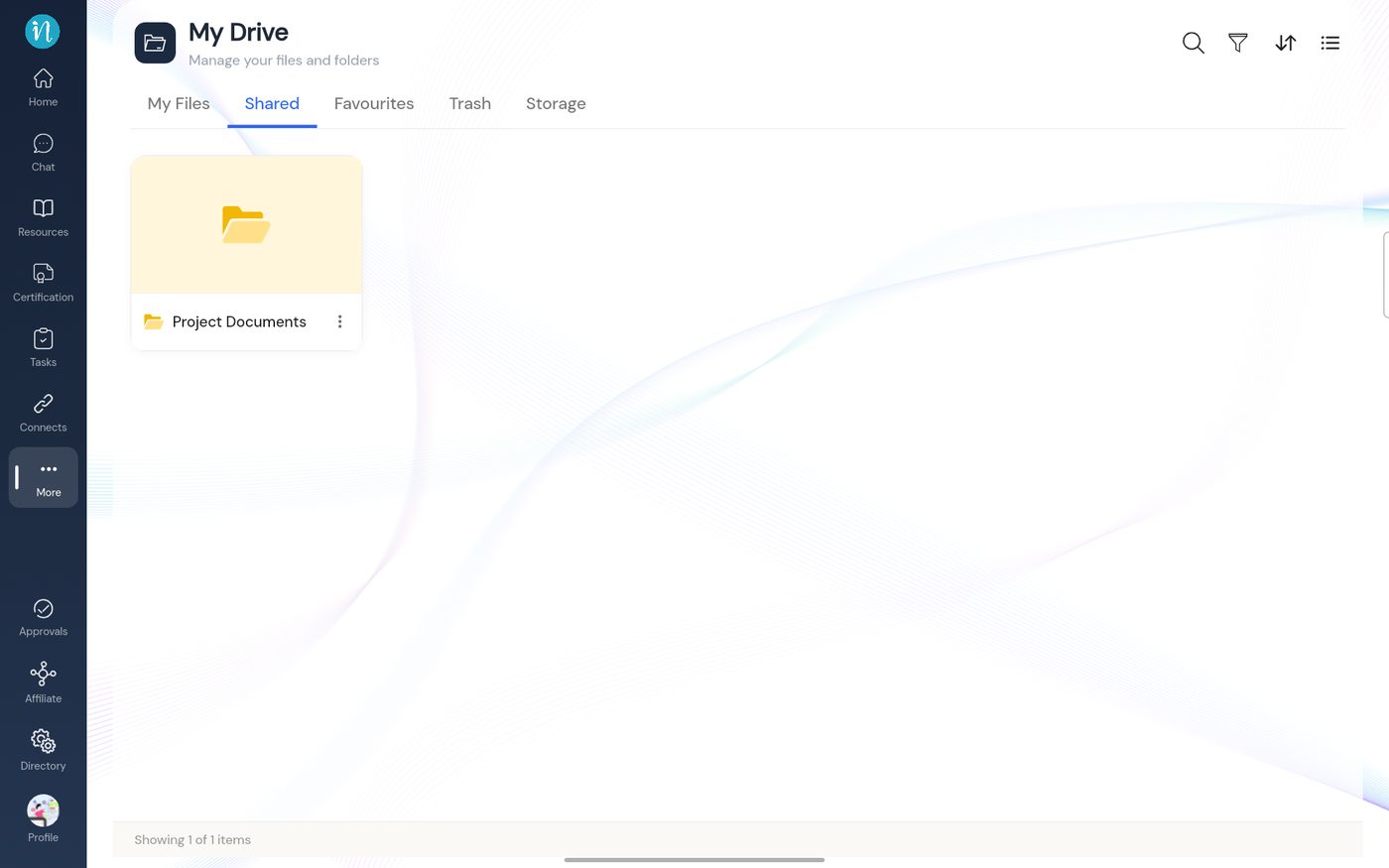
The Shared tab for the recipient -
They open the folder. What they can do depends on the access level you gave.
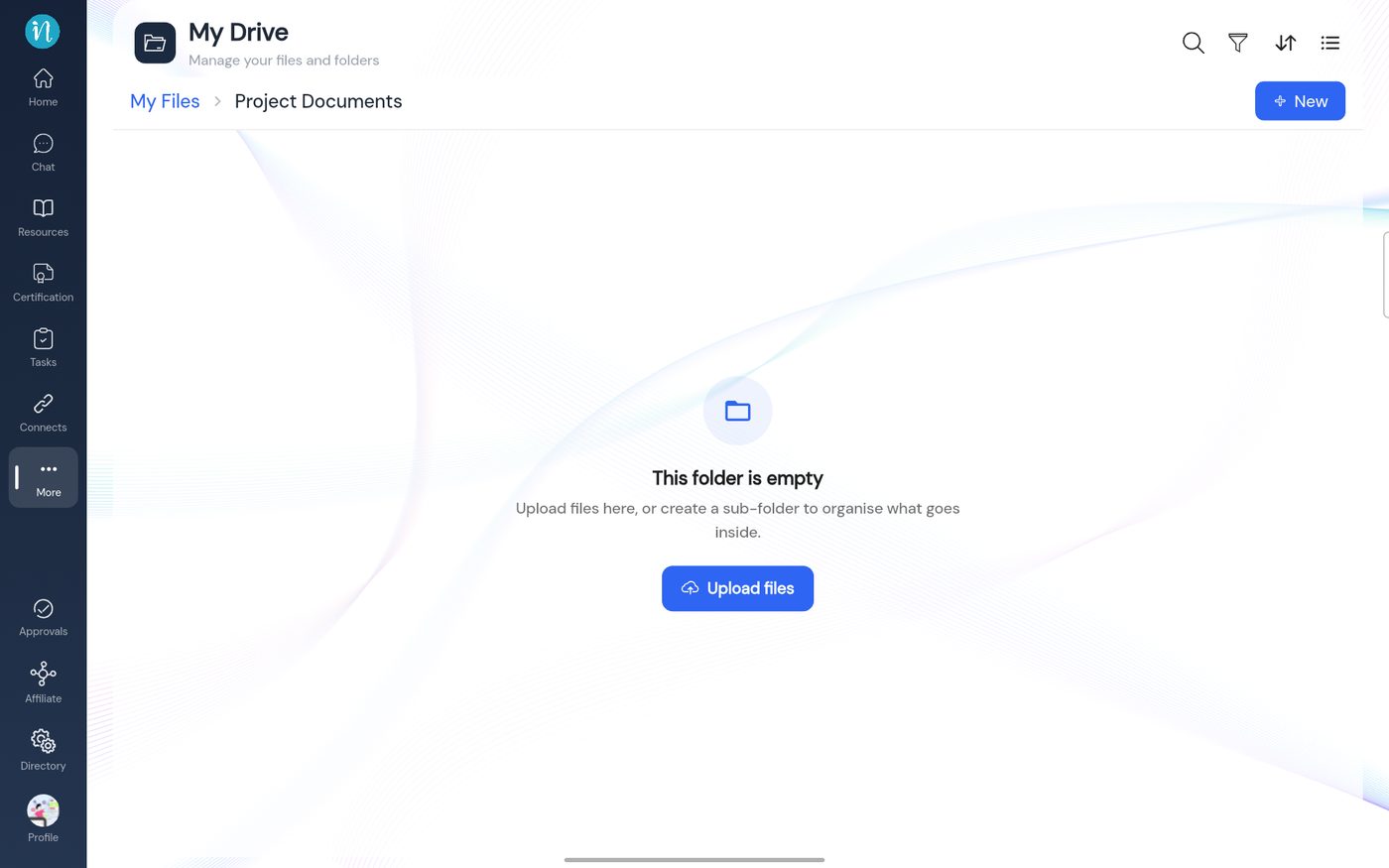
Inside a shared folder with Edit access
Good to know
- You can withdraw access at any time; the item then disappears from their Shared tab.
- Files uploaded into a shared folder use the workspace's shared storage, not the uploader's personal quota.
- A person can remove an item from their own Shared list without affecting you or anyone else.
Last updated 2026-10-22