
The item menu
Who can use thisMembers and Super Admins
Permission you need
View files and folders
Set by your workspace admin. If you cannot do this, ask them for access.This article is written for Member and Super Admin. Use the role switch at the top to change what the menus show.
Every file and folder has a three-dot menu (⋮) with the things you can do to it. The same menu is on folders and on files.
-
On any card, tap the ⋮ at the right of its name. The menu opens next to it. This is a folder's menu:
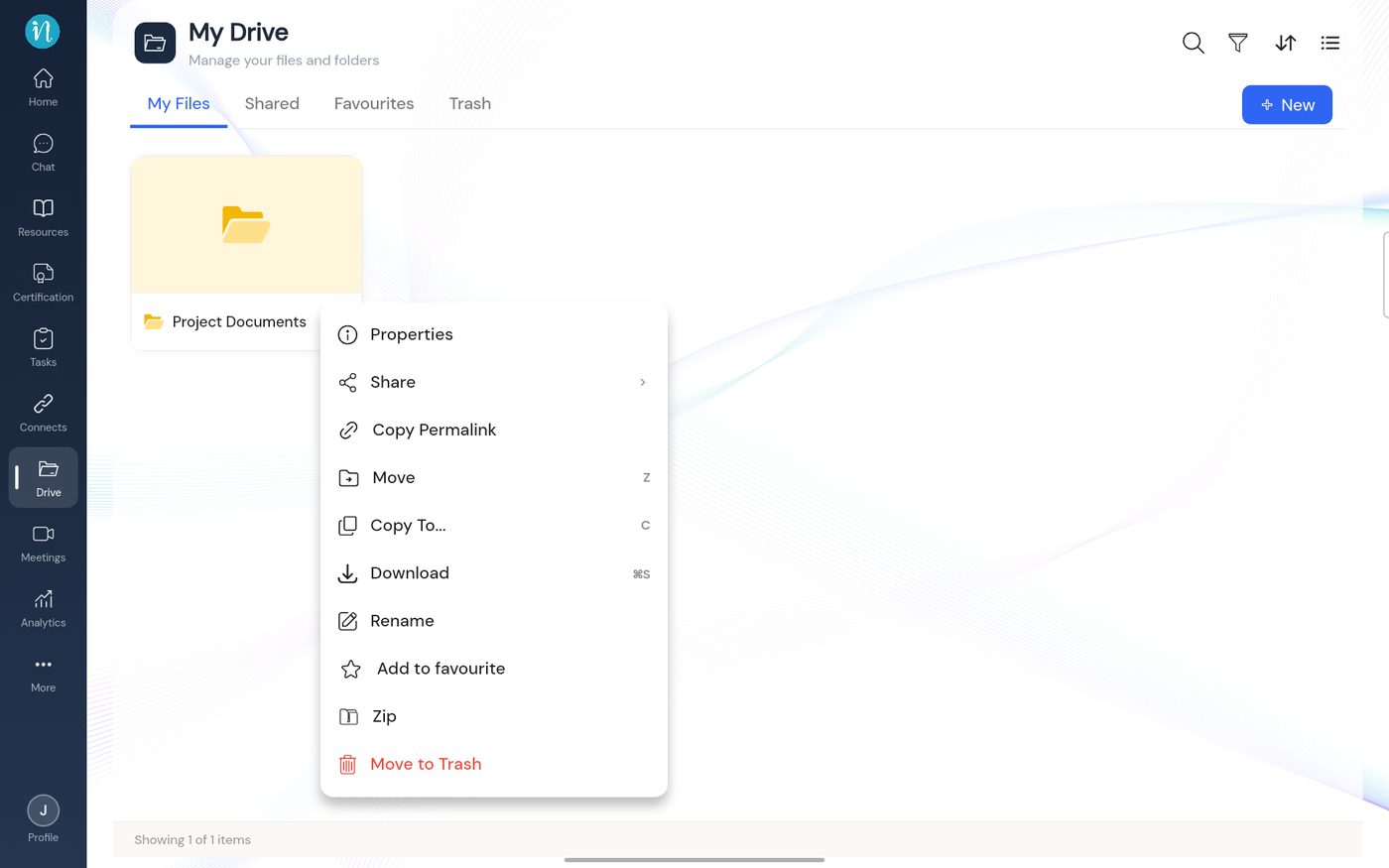
Item menu on a folder -
A file has exactly the same menu.
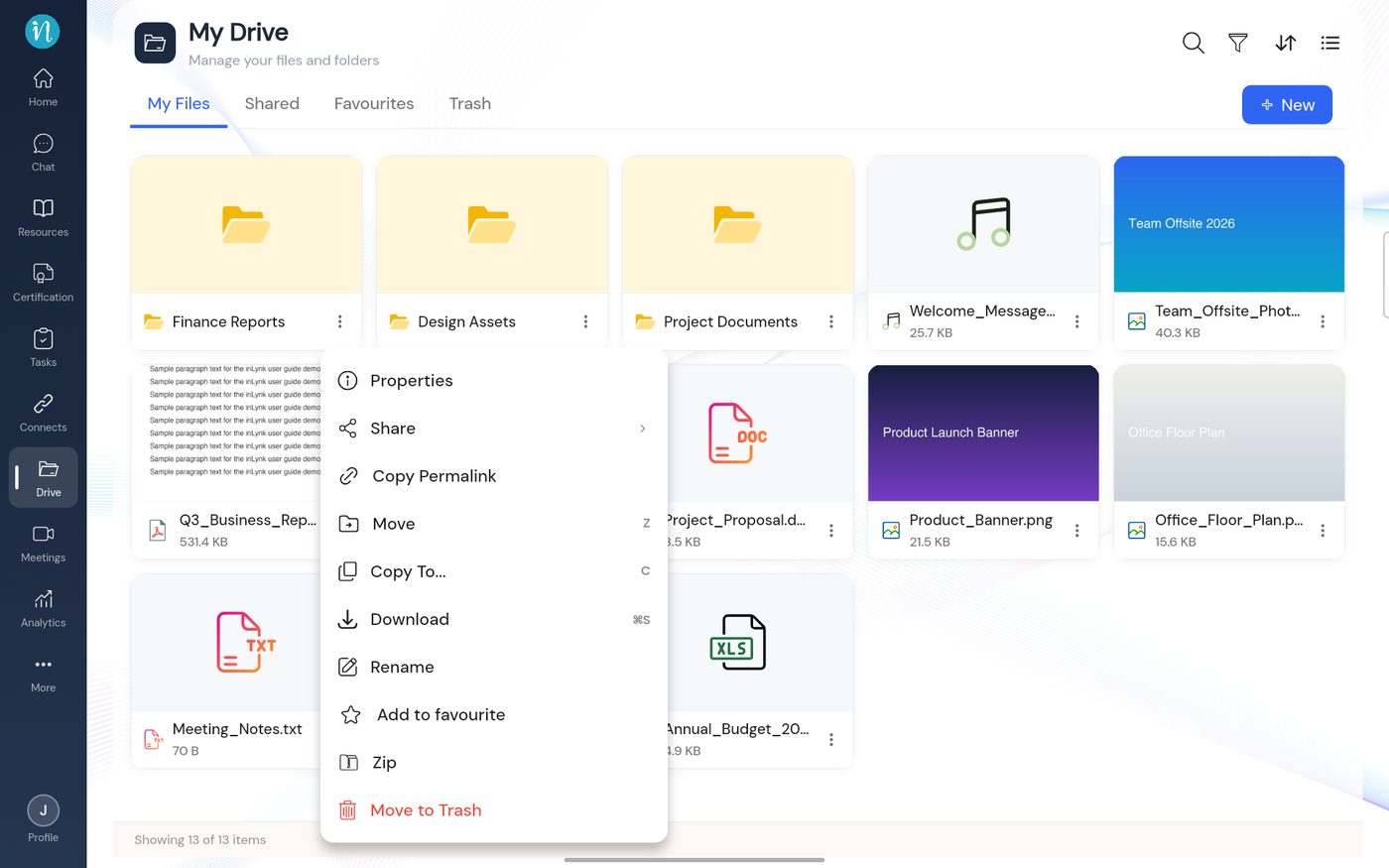
Item menu on a file
What each entry does
| Menu entry | What it does | Learn more |
|---|---|---|
| Properties | Shows title, type, size, format, upload date and uploader | Properties |
| Share | Gives other people access | Share a file or folder |
| Copy Permalink | Copies the item's link | Copy a link |
| Move | Moves it to another folder | Move an item |
| Copy To… | Copies it to another folder | Copy an item |
| Download | Saves it to your device | |
| Rename | Changes its name | Rename |
| Add to favourite | Adds it to your Favourites tab. Starred items show Remove from favourite instead | Favourite |
| Zip | Packs the item into a zip file | Zip an item |
| Move to Trash | Moves it to Trash | Delete and restore |
Last updated 2026-10-22