
Supported file types and how they open
Who can use thisMembers and Super Admins
Permission you need
View files and folders
Set by your workspace admin. If you cannot do this, ask them for access.This article is written for Member and Super Admin. Use the role switch at the top to change what the menus show.
You can upload any type of file. inLynk Business Network does not block file types. What differs is how a file is previewed once it is in Drive. If a file cannot be previewed, you can still Share and Download it.
| Kind | Common extensions | What happens when you open it |
|---|---|---|
| Images | JPG, JPEG, PNG, GIF, WebP, BMP, ICO, TIFF, HEIC, HEIF, AVIF, SVG, RAW | Opens in the image viewer; swipe to the next image in the folder |
| Video | MP4, MOV, AVI, MKV, WebM, FLV, WMV | Opens in the video player with a play button and a timeline |
| Audio | MP3, WAV, AAC, M4A, OGG, FLAC, OPUS, WMA | Opens in the audio player with play/pause and 10-second skip |
| Pages are shown in the viewer | ||
| Word | DOC, DOCX | Shown in the document viewer |
| Excel / sheets | XLS, XLSX, CSV | Shown as a spreadsheet grid, with a tab per sheet |
| Text | TXT, MD | Shown as readable text |
| Code and data | JSON, XML, HTML, CSS, JS, TS, PY, JAVA, C, C++, PHP, RB, GO, RS, SWIFT, KT, DART, SQL, SH, YAML, TOML and similar | Shown as plain text in a monospace viewer |
| PowerPoint | PPT, PPTX | No preview. A File Details card shows the title, size and format, with Share and Download |
| Archives and anything else | ZIP and any other type | No preview. The same File Details card with Share and Download |
See how different types open
-
Tap an image. It opens full size in the image viewer.
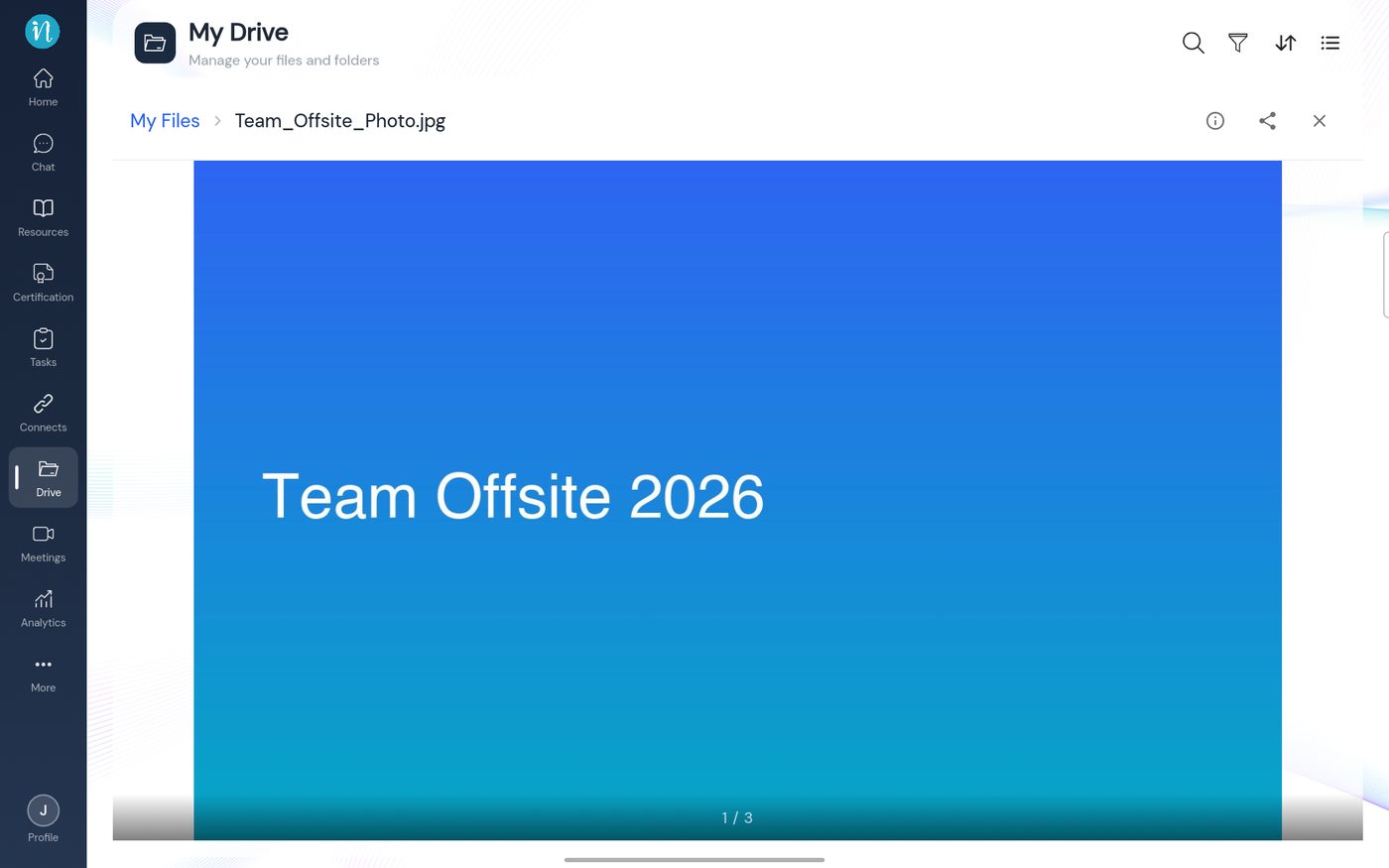
Image preview -
Tap a video. It opens in the player.
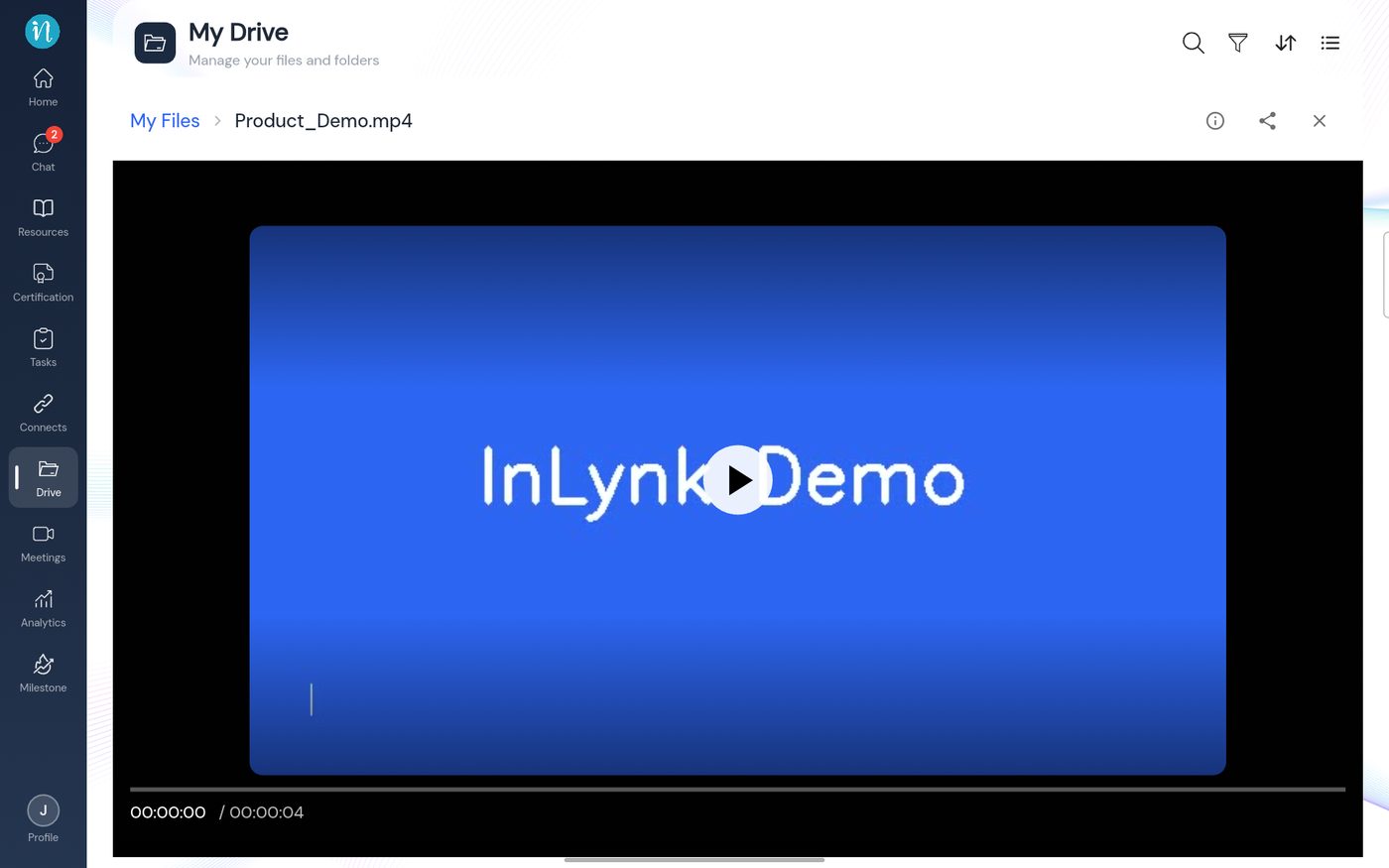
Video preview -
Tap a code or data file such as JSON. It opens as readable text.
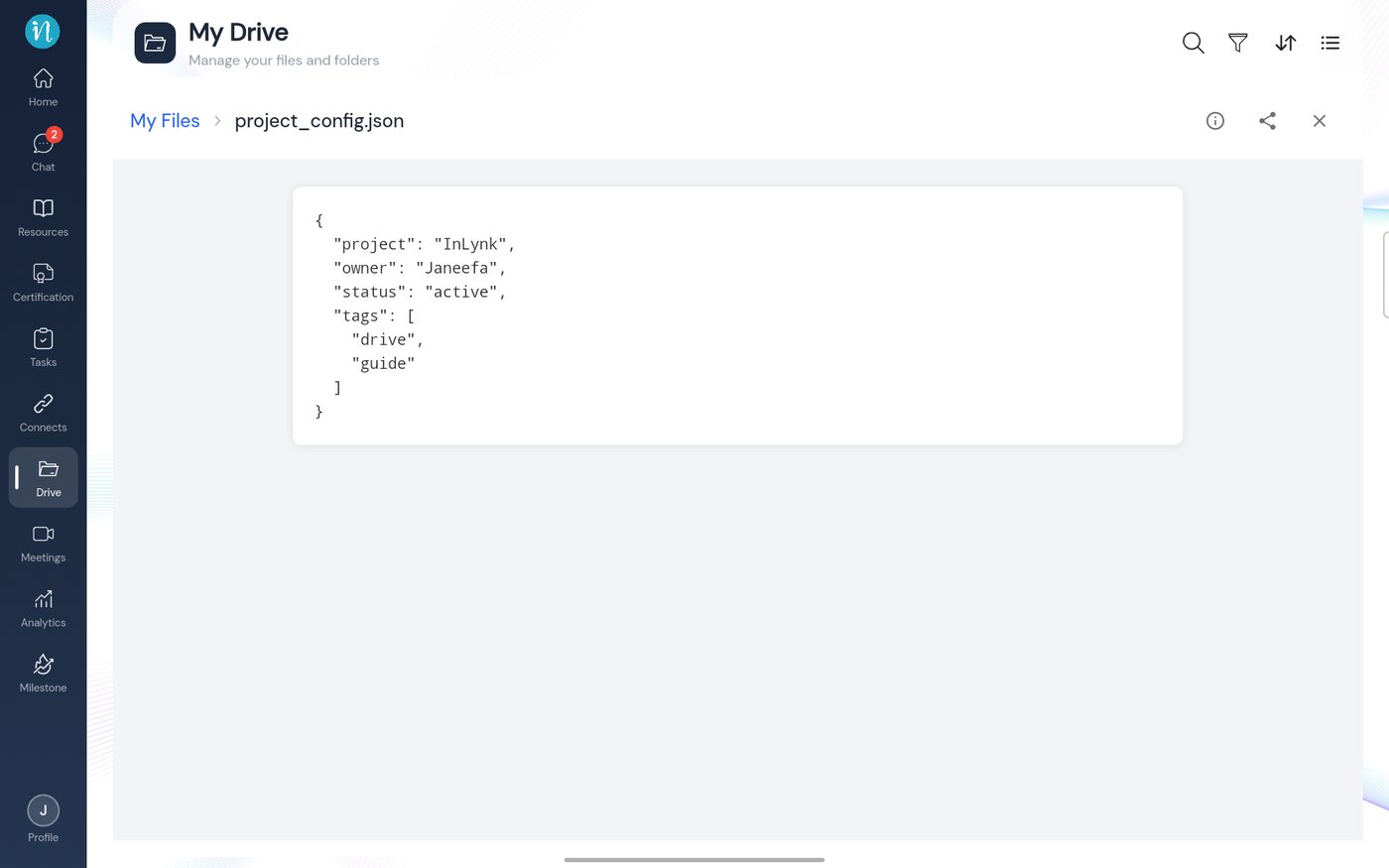
Code file shown as text -
Tap an SVG file. It is drawn as a picture, like any other image.
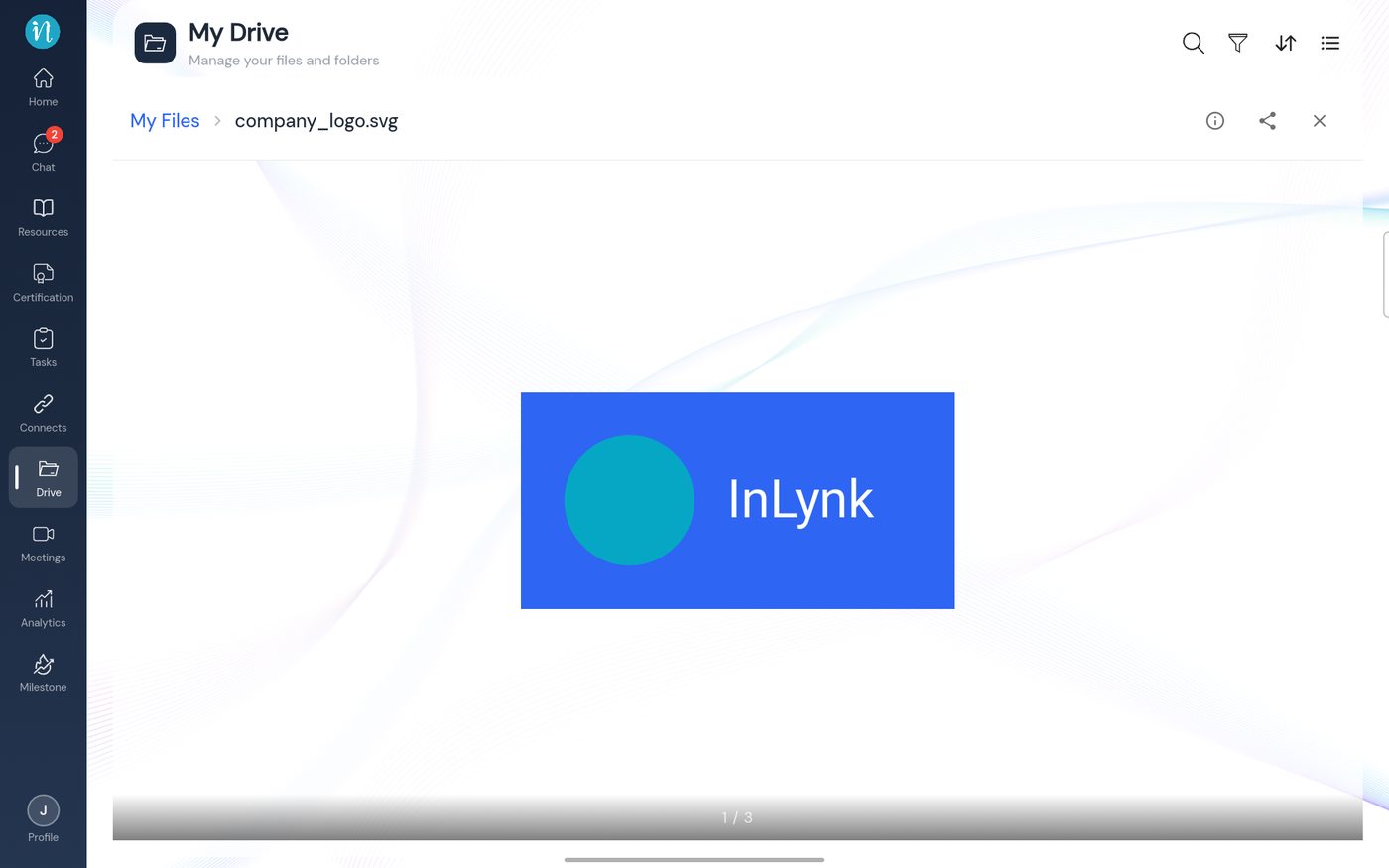
SVG preview -
Tap a PowerPoint file. There is no preview, so a File Details dialog opens instead.
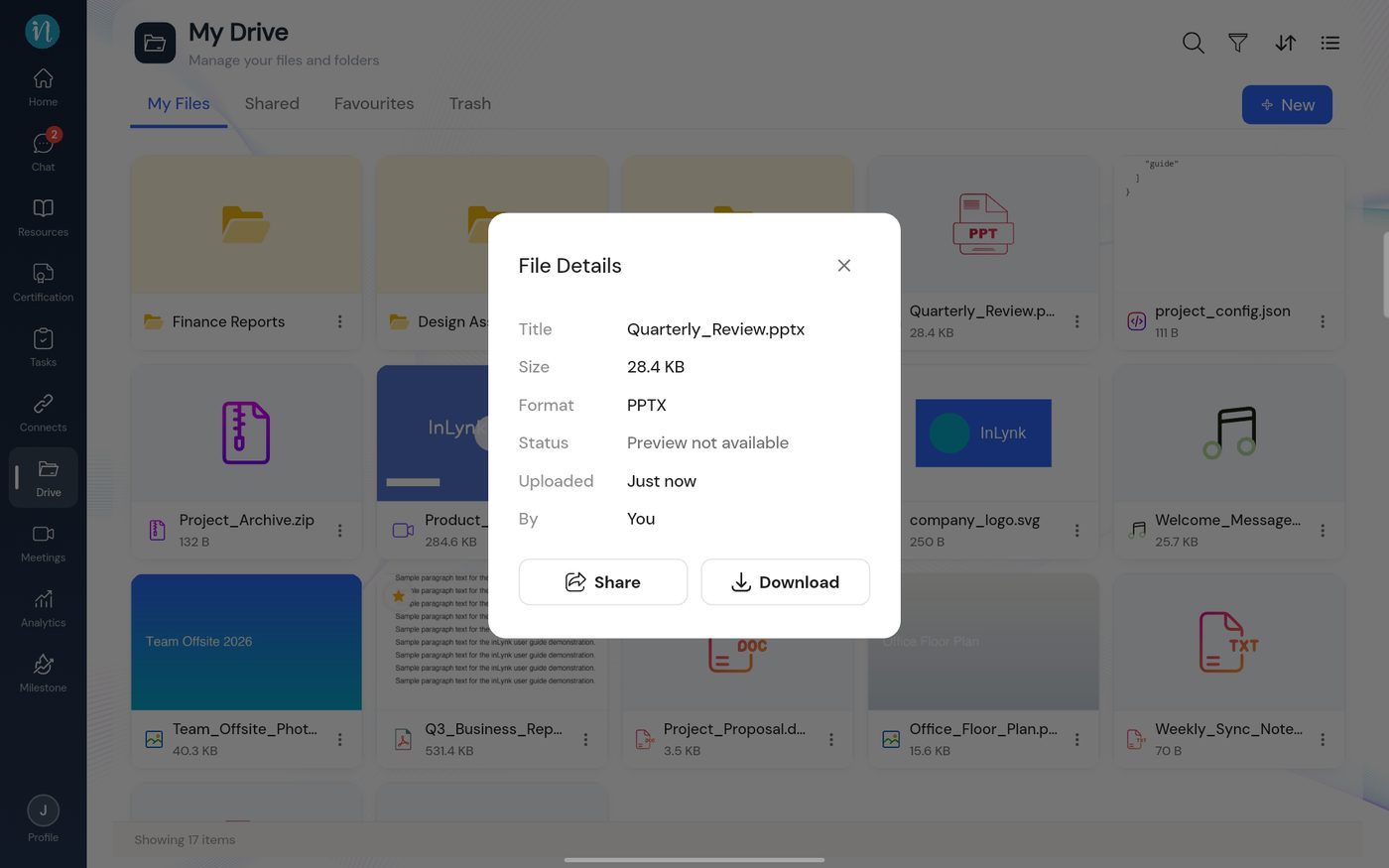
File Details card for a PowerPoint file -
Tap a ZIP or other archive. You get the same dialog.
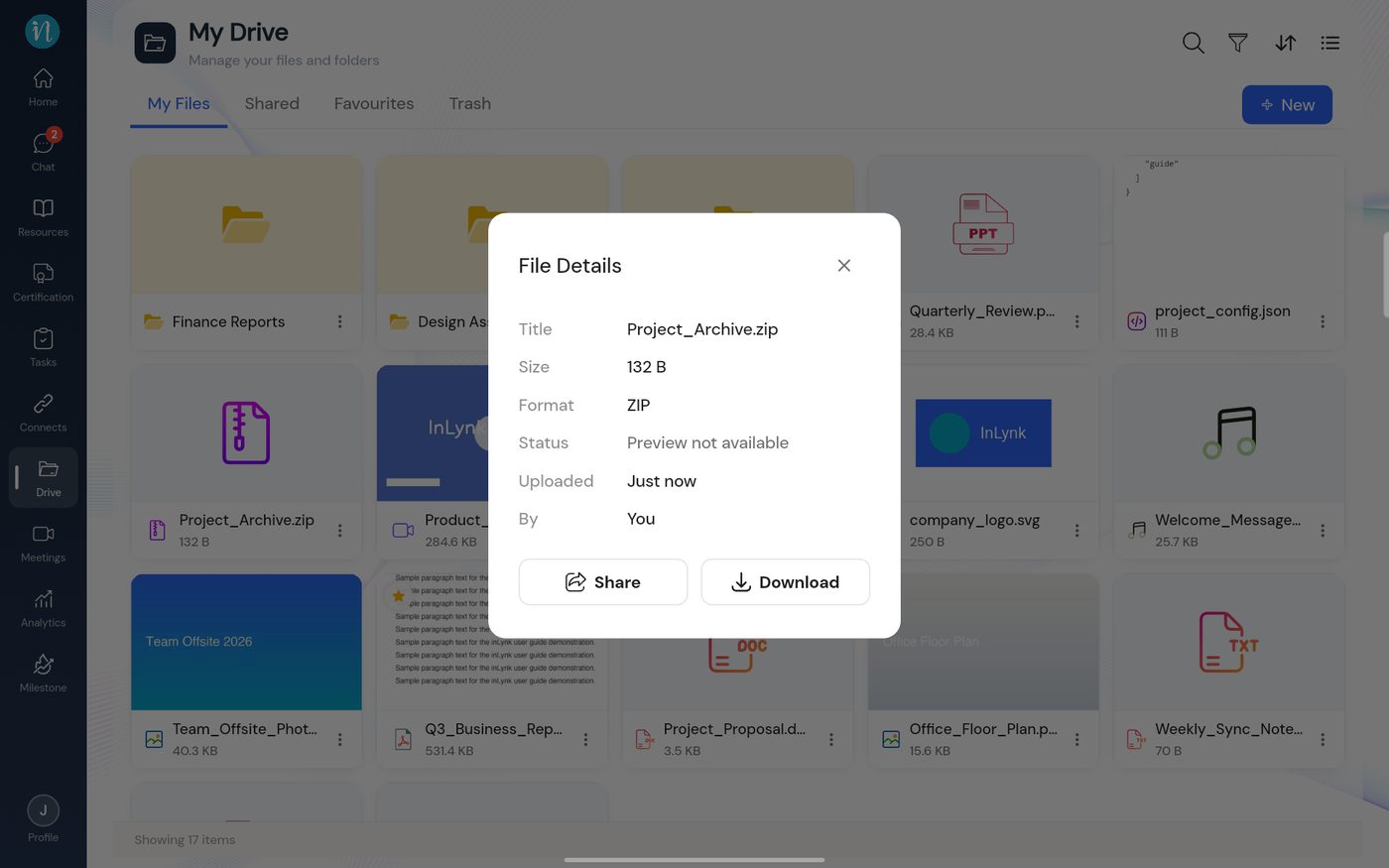
File Details card for a ZIP file
Size and names
- There is no fixed size limit per file. What limits you is your storage quota. See File size and storage limits.
- A name can be up to 255 characters and must be unique in its folder. See Naming rules.
Last updated 2026-10-22